10 • ENGLISH
SETTING MEMORY BANK / USER
IT IS NECESSARY TO SET THE DATE AND TIME FOR THE UNIT
EVERY TIME BATTERIES ARE INITIALLY INSTALLED OR REPLACED.
IF YOU CHOOSE NOT TO SET THE DATE AND TIME, YOU MAY
PRESS THE START/STOP BUTTON TO FORWARD THROUGH THE
TIME AND DATE FEATURE WITHOUT SETTING A PREFERENCE.
After setting the Memory Bank, the screen will advance to setting the Date
and Time.
1. The month will blink on the lower left of the
display; press M to advance to the desired
Month. Press SET to conrm.
2. Repeat Step 1 to conrm the Day, Hour and then
Minutes.
3. After selection, press START/STOP to exit
set-up, or press SET to conrm and move to the
Language Selection feature.
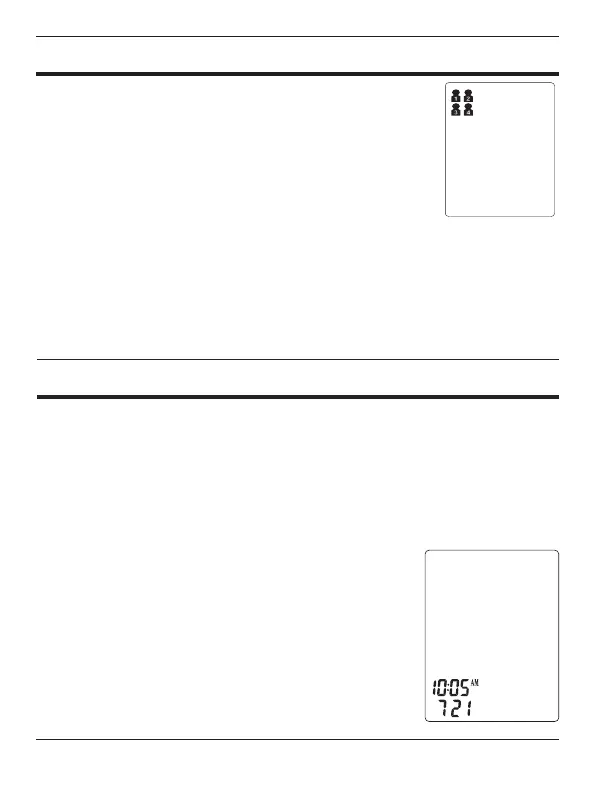
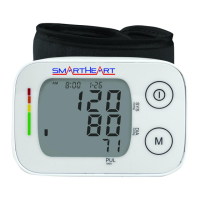
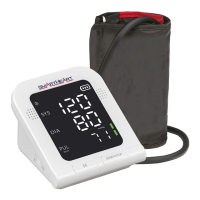
This unit offers 4 memory banks, allowing for tracking
of multiple user results in the household with the same
monitor.
1. With power off, press SET button to enter the system
set-up functions.
2. The User / Memory Bank in use will show on the
upper right of the display screen.
3. Press the M button to scroll through the users until the desire user is
shown, 1, 2, 3, or 4. The User selected will default to the selected
user every time the device is powered on until a new user is selected.
4. After selection, press START/STOP to exit set-up, or press SET to
conrm and move to the Date and Time setting feature.
SETTING DATE AND TIME
M
D










 To Next Page