ENGLISH • 11
SETTING MEMORY BANK / USER
SETTING LANGUAGE AND VOLUME
This unit offers 3 language settings for audio prompts and reading results -
English, Spanish, or French - with volume control, or the audio option can
be turned completely OFF.
After setting the Date and Time, the screen will advance to setting the
Language and Volume.
LANGUAGE:
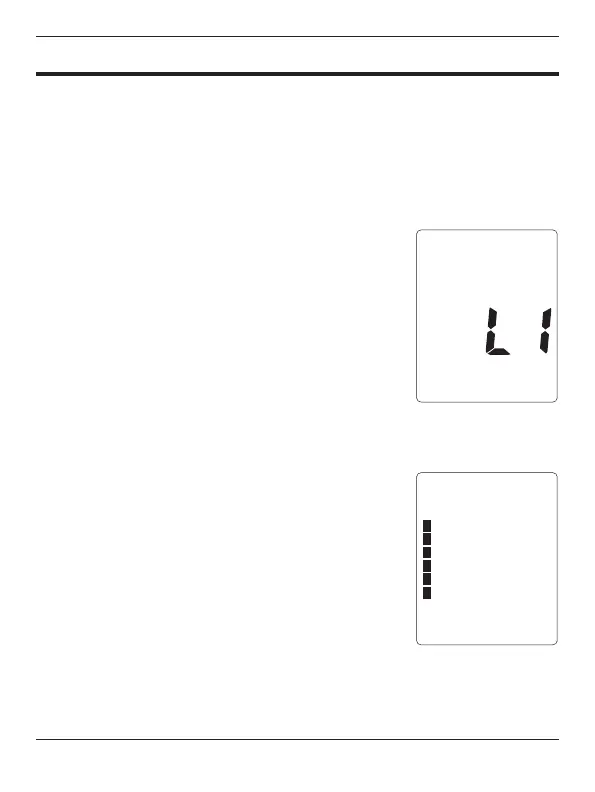
1. The display will show L1 and announce
‘English’.
2. Press the M button to scroll through the options
until the desired language is shown, L1
(English), L2 (Spanish), L3 (French), or OFF.
NOTE: The language selected will default
to the selected language every time the device is
powered on until a new language is selected.
3. Press SET to conrm the selected language.
Proceed to setting the volume.
VOLUME:
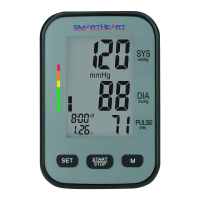
4. The volume level bars will show on the left side
of the display.
5. Press the M button to increase the volume;
you will hear an audio prompt for each level.
Continue to press M until the desired volume is
reached.
6. After selection, press SET to conrm and then
START/STOP to exit set-up and prepare for
your measurement.
I







 To Next Page