ENGLISH • 13
FITTING AND APPLYING YOUR CUFF
Fig. 1
Fig. 2
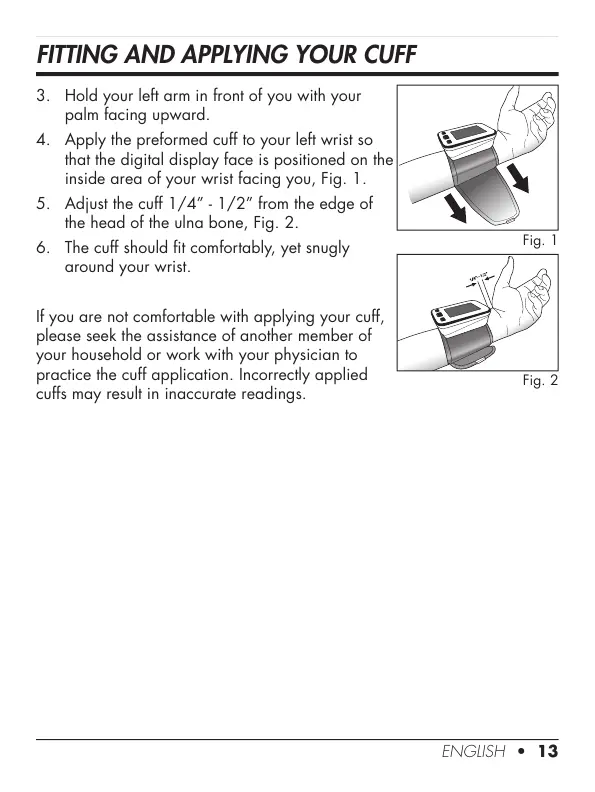
3. Hold your left arm in front of you with your
palm facing upward.
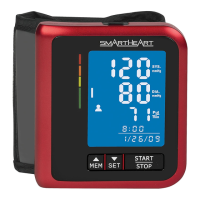
4. Apply the preformed cuff to your left wrist so
that the digital display face is positioned on the
inside area of your wrist facing you, Fig. 1.
5. Adjust the cuff 1/4” - 1/2” from the edge of
the head of the ulna bone, Fig. 2.
6. The cuff should t comfortably, yet snugly
around your wrist.
If you are not comfortable with applying your cuff,
please seek the assistance of another member of
your household or work with your physician to
practice the cuff application. Incorrectly applied
cuffs may result in inaccurate readings.






 To Next Page