User Manual
34
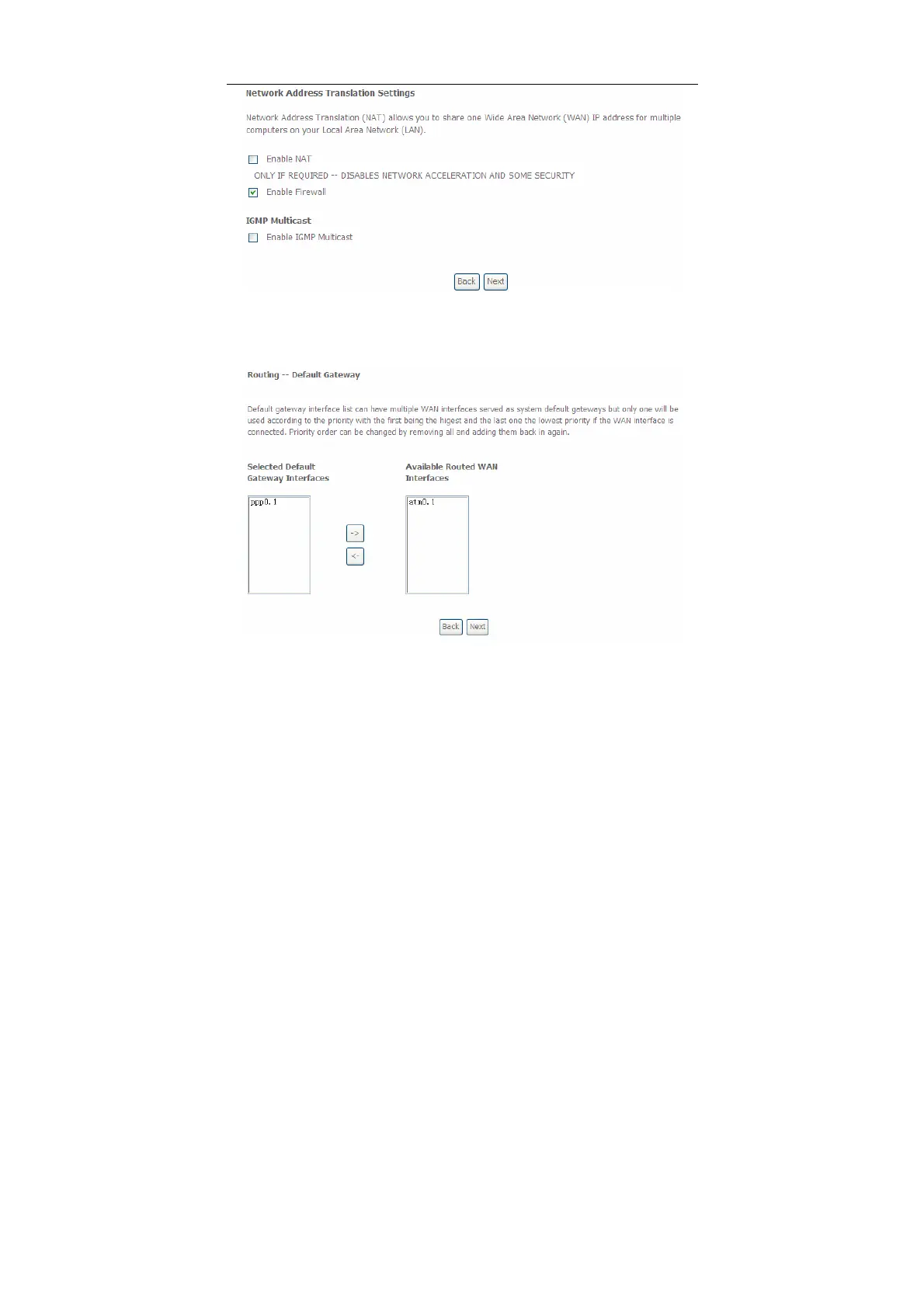
Step5 In this page, you can set the network address translation settings,for
example, enabling NAT, enabling firewall, and enabling IGMP multicast.
After finishing setting, click Next and the following page appears.
Step6 In this page, select a preferred WAN interface as the system default
gateway and then click Next to display the following page.


 To Next Page