SMARTRG INC. PROPRIETARY AND CONFIDENTIAL. ALL RIGHTS RESERVED. COPYRIGHT © 2016
19
System
In this section, you can view signal strength and system information, change the Admin password, upgrade the
firmware on the extender, and log out.
Status
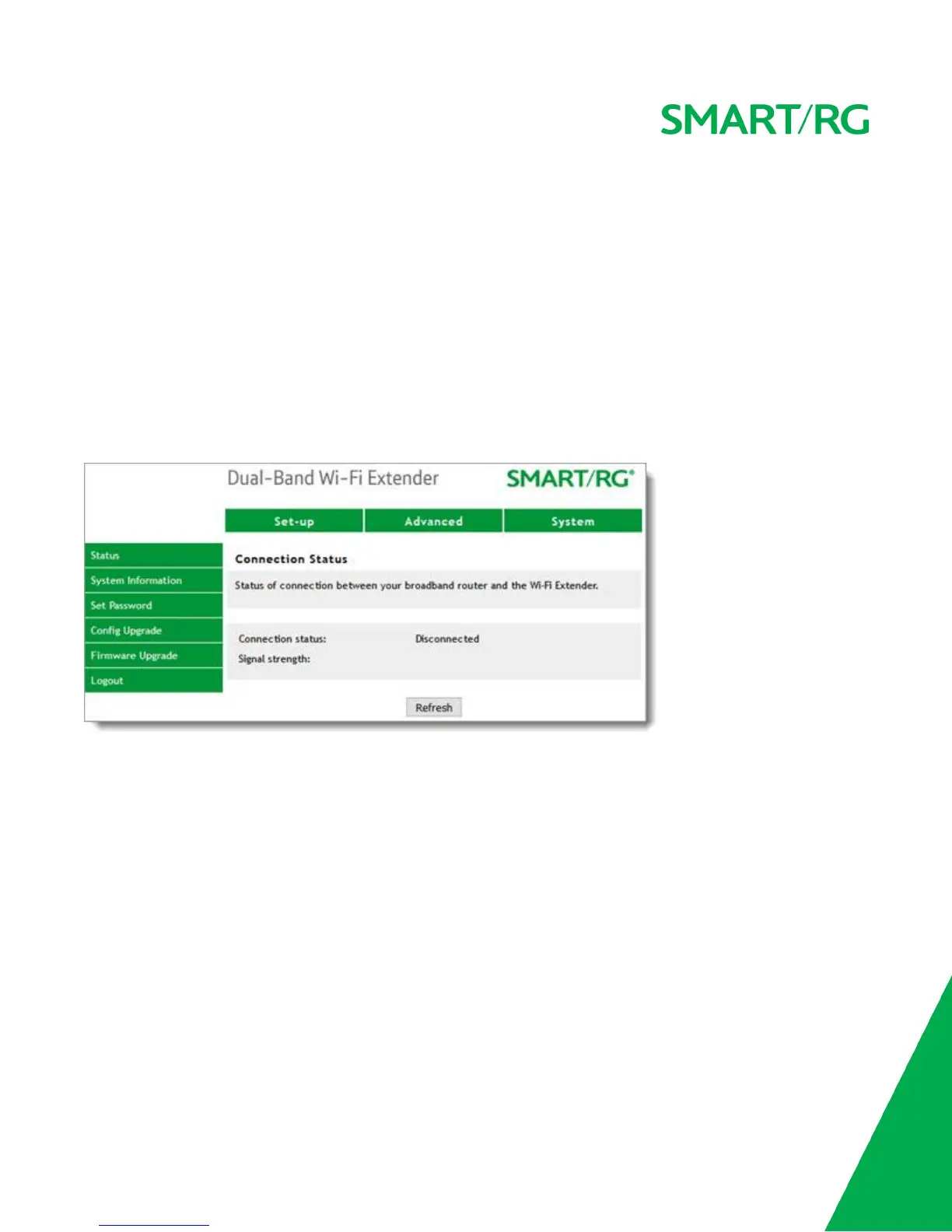
In the top navigation bar, click System. The Status page appears, showing the connection status and the signal
strength.
If the WE65AC has been configured correctly to connect to your home gateway, Connection status is shown as
Connected.
If the Backhaul connection is not configured, Connection status is shown as Disconnected.
To update the data, click Refresh.
System Information
On this page you can view the hardware, firmware and MAC address information of the extender.
In the top navigation bar, click System and then click System Information in the left menu. The System >
System Information page appears, showing detailed information about the extender.


 To Next Page