11
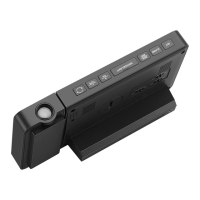
9.1 Temporary Time & Temp Projection
●
When the clock is only powered by batteries (not included),
touching " " will light up the projection for a few seconds, then
the projection will turn out automatically.
9.2 Permanent Time & Temp Projection
●
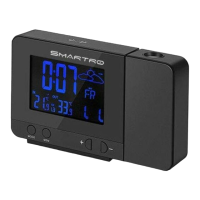
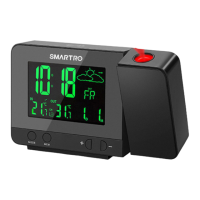
When the clock is powered by power adapter, the projection will
always light up.
●
Long press "-" button to adjust the projection angle by 180°.
●
The suggested distance for the projection is 5 ~ 13 ft (1.5 ~ 4
m). When there is no light at night, the clock can clearly display the
time and temp onto the wall or ceiling.
●
If you want to turn o the projection, switch o the button
on the back.
9. Projection Setting
Note: Switch on the projection button for further operation.
Please take note of the following:
●
The power of old batteries is not enough to support the display,
please connect the adapter or replace new batteries as soon as
possible.


 To Next Page