6
6. Preparation
●
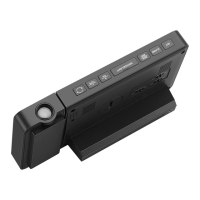
Open the clock battery compartment cover, insert 2 x AAA
batteries, ensure correct battery polarities [ "+" and "–" ] and
connect the DC adapter to power the clock.
●
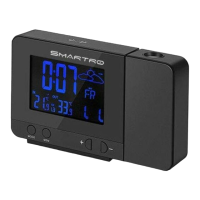
The screen will light up, and the device will make a beeping
sound. The clock will start to detect indoor temperature.
●
Open the wireless remote sensor battery compartment cover.
Choose the same channel as the clock through the numbered
knob. Insert 2 x AA batteries, ensure correct battery polarities [ "+"
and "–" ].
●
The sensor will send out a red light which means that it’s sending
signals to the main unit.
●
The clock will start to make a connection with the outdoor remote
sensor, a reception RF antenna symbol in the "OUT" display area
will flicker on the screen. This procedure will take 3 minutes at
most.
●
After the unit has made a connection with the outdoor remote
sensor, the detected temperature will be displayed on the screen.


 To Next Page