12
Please take note of the following:
●
The power of old batteries is not enough to support the display,
please connect the adapter or replace new batteries as soon as
possible.
10. Backlit
10.1 Backlit Dimmer
●
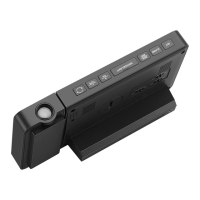
When the clock is only powered by batteries, touching " "
will light up the backlit for a few seconds.
●
When the clock is powered by DC power adapter, the battery will
automatically disconnect with the power supply, and the backlit will
always be on.
●
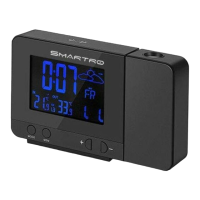
Press "-" button to adjust 4 levels of brightness: light - medium -
low - out.
●
When the backlit is in OUT state, touching " " can light up
the backlit for a few seconds.
10.2 Multiple Color Backlit
●
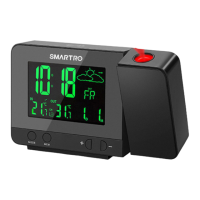
When the clock is connected with the power adapter, press
"
LOOP
" button once, the backlit will change the color gradually.
When it comes to the color you want, press “
LOOP
” again to
conrm it.
●
Press and hold "
LOOP
" button for more than 2 seconds, the
color of backlit will change fast. Release "
LOOP
" button when you
have selected your favorite color.


 To Next Page