13
11. Wireless Remote Sensor Pairing
Step 1:
—
Connect the clock with the adapter.
—
Insert 2 x AA batteries to the wireless remote sensor.
Step 2:
—
Select a channel through the numbered knob for the wireless
remote sensor. The indicator will light up once to indicate the
detected temperature and humidity were sent out by wireless
remote sensor.
—
Press "+" to select a channel for the clock that corresponds to
the wireless remote sensor. The reading will display on the clock
within a min.
—
If the clock fails to receive signals from wireless remote sensor
("- -" will be displayed on the LCD), please make sure the channels
of the clock and sensor are same. Then long press "+" button to
receive the signals manually. The reading will show up in a minute.
Please take note of the following:
●
The clock can connect up to 3 wireless remote sensors at
the same time. If multiple wireless remote sensors are used
simultaneously, please set them on the dierent channels.
●
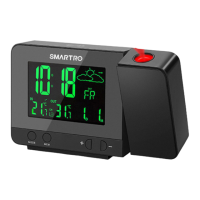
When the backlit is on, press "
RAINBOW
" button to change
the color. There are 8 colors available: white, red, orange, yellow,
green, cyan, blue, and purple.


 To Next Page