14
12. Temperature
12.1 Temperature Display and Temperature Trend
●
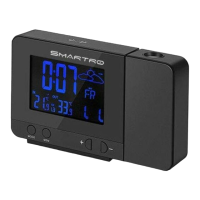
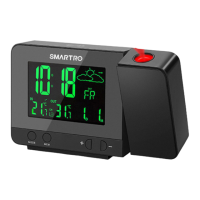
The current indoor temperature and the temperature trend
(indoor) are shown on the LCD display.
●
When connected with the wireless remote sensor successfully,
the outdoor temperature and the temperature trend (outdoor) will
appear on the LCD display.
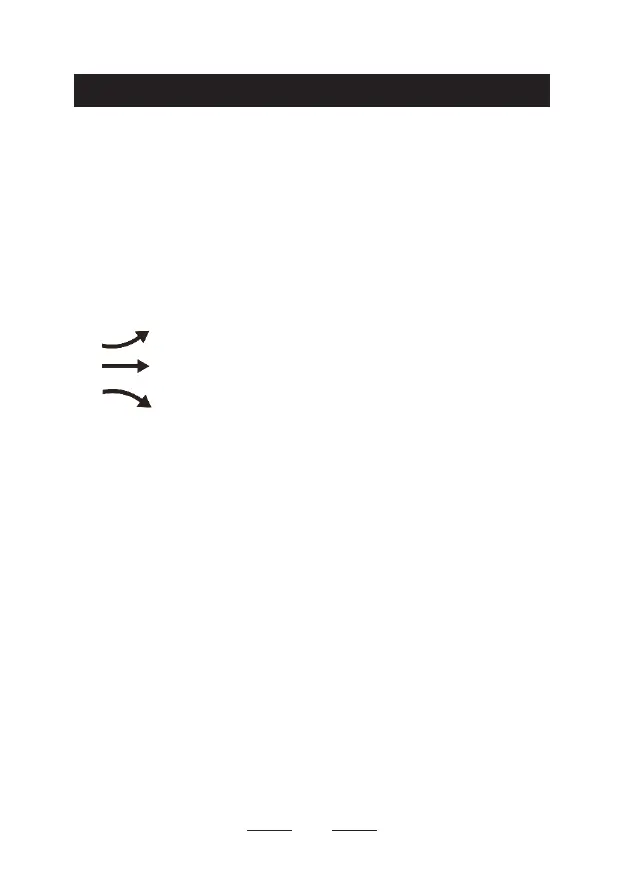
You may see the following symbols:
The temperature is rising.
The temperature remains constant.
The temperature is falling.
12.2 Maximum/Minimum Temperature Records
●
To check the maximum, minimum temperature of indoor/outdoor,
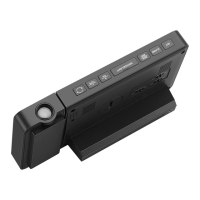
press the "
MEM
" button.
●
Press "
MEM
" button once to see the maximum temperature
values.
●
Press "
MEM
" button twice to see the minimum temperature
values.
●
Press "
MEM
" button three times to return to the current
temperature values.
●
To reset the maximum and minimum temperature values, press
and hold the "-" button for more than 2 seconds when checking
the maximum/minimum temperature. "--" will be displayed in
both indoor and outdoor temperature columns, which indicates


 To Next Page