2 mySmartup portal
You can choose your preferred apps from a huge selection of apps from our mysmartup portal and
install them immediately on your smartupboxes.
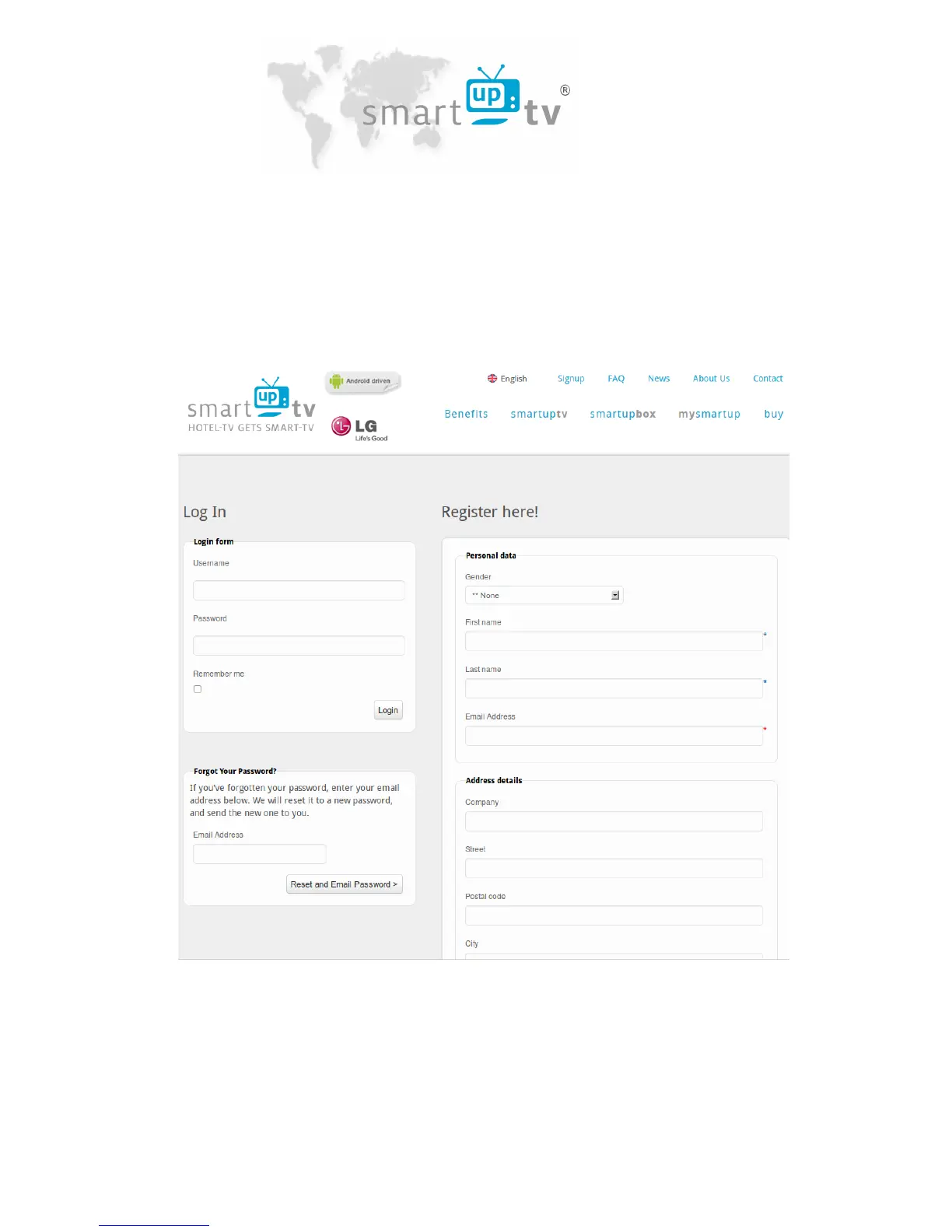
For registration go to “www.smartuptv.com” and click on “login” at the top. Complete the
registration form and submit it. You will receive an e-mail afterwards with a link to activate your
account. You can now log in to “www.smartuptv.com” under “Log In" and view your box number
under “my Profile“.
You may create a configuration before installing a smartupbox. It is automatically uploaded to the
box when its installation is finished.



 To Next Page