8 Installation wizard
The installation wizard guides you “step by step” through the configuration of your smartupbox.
The installation wizard is started automatically with the first start of the box.
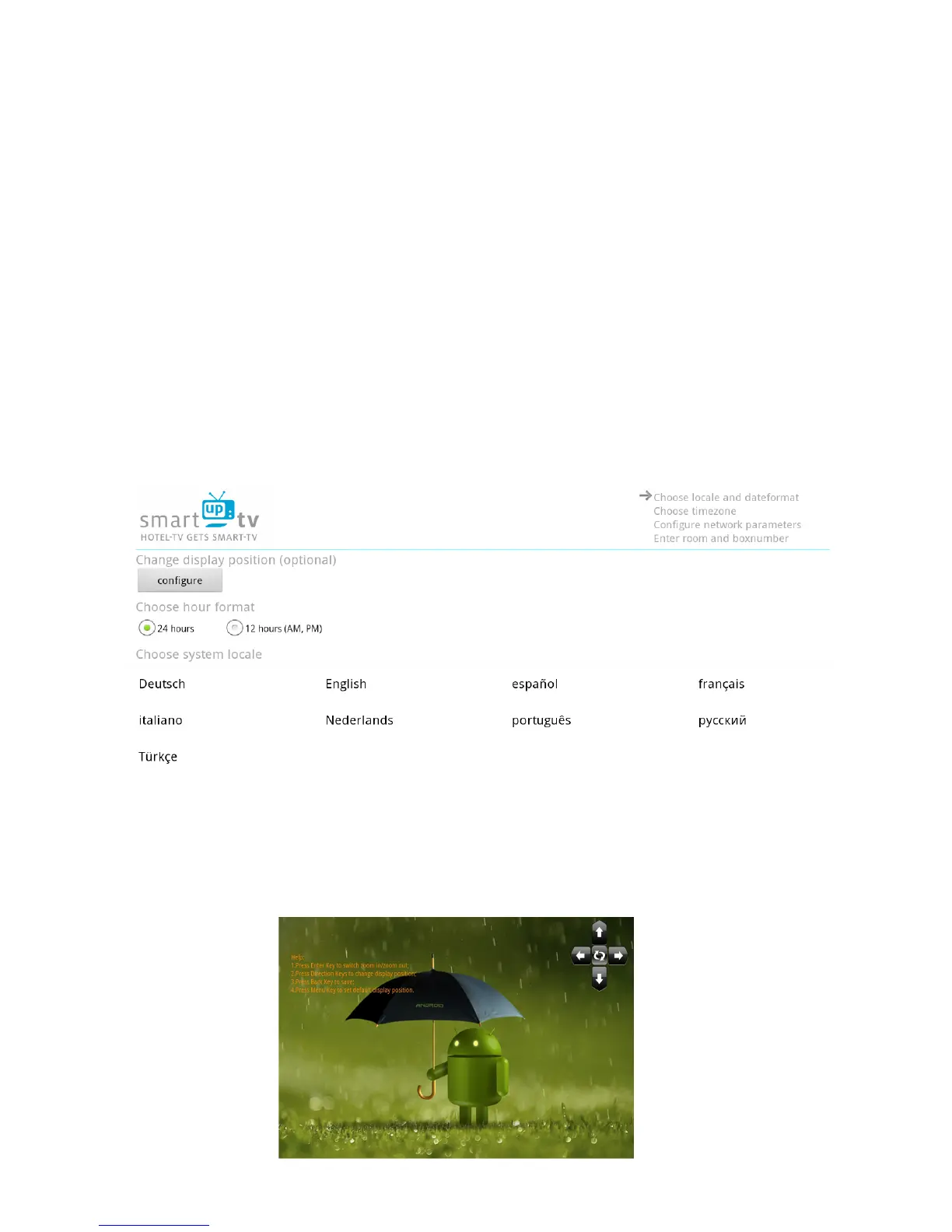
8.1 Display position, hour format and system locale
You will see the configuration for display position, hour format and system locale.
8.1.1 Display position
If the screen is shown too big or too small you can change this here.
Click with the “blue mouse button” of the remote on the field “configure”. On the new screen you
can change the display settings by using the arrow buttons in the top-right corner. By pressing the
button in the middle of these arrows you can invert their direction. The screen is configured
optimally if the white border is visible but no black borders are outside of it.
Image 33: Display configuration



 To Next Page