8.4 Access Point settings
8.4.1 smartupbox settings
You have to use the LAN interface to connect your box.
Each box needs a static IP address.
8.4.2 Network settings
Static IP addresses may need to be queried at your provider.
8.5 Room and box numbers
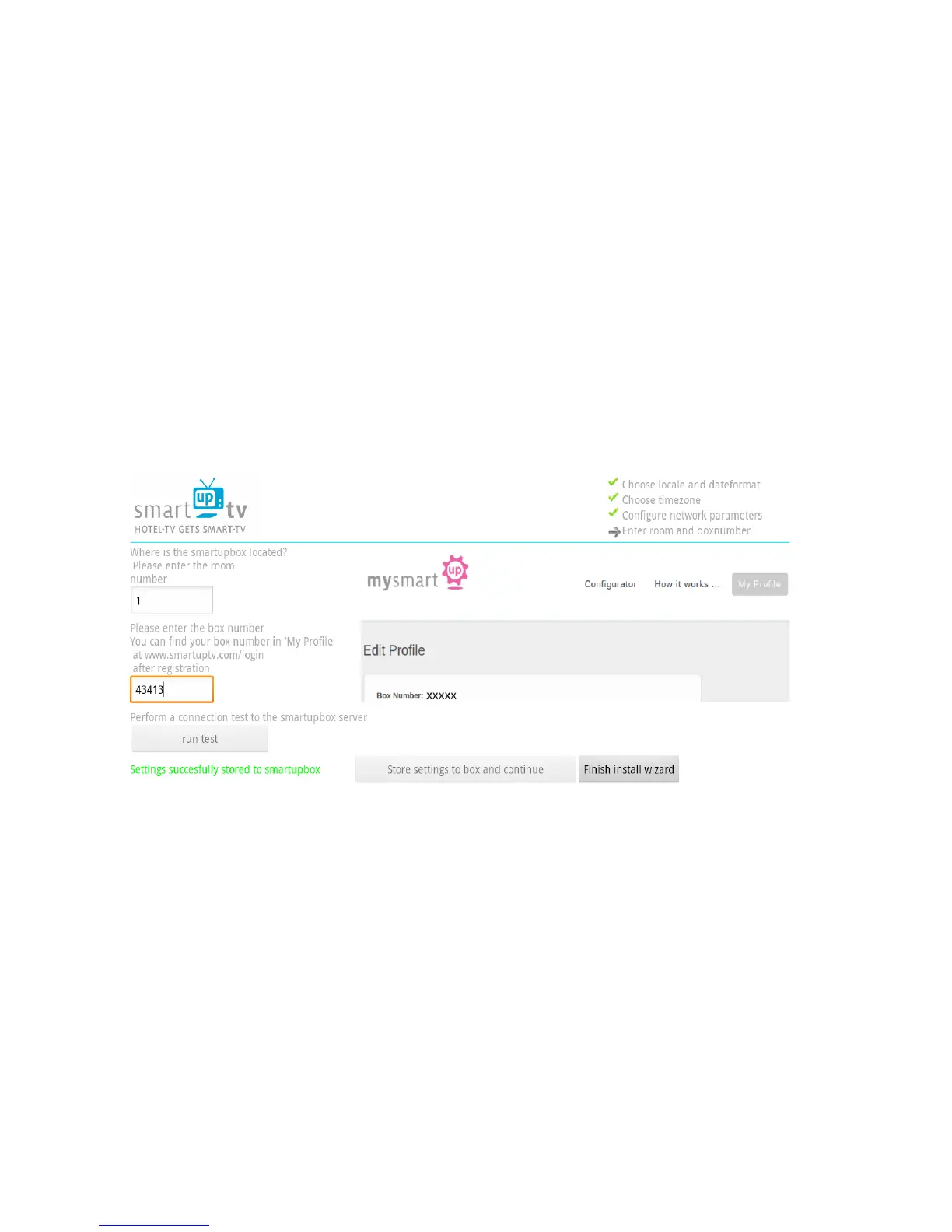
Here you can assign your smartupbox a room number and your box number.
8.5.1 Room number
Here you enter the room number where this smartupbox is installed.
This serves for a better overview when sending personal messages.
8.5.2 Box number
You can find your box number at “my Profile” on “www.smartuptv.com“.
Look at 3. for further information.



 To Next Page