8.3.2 LAN
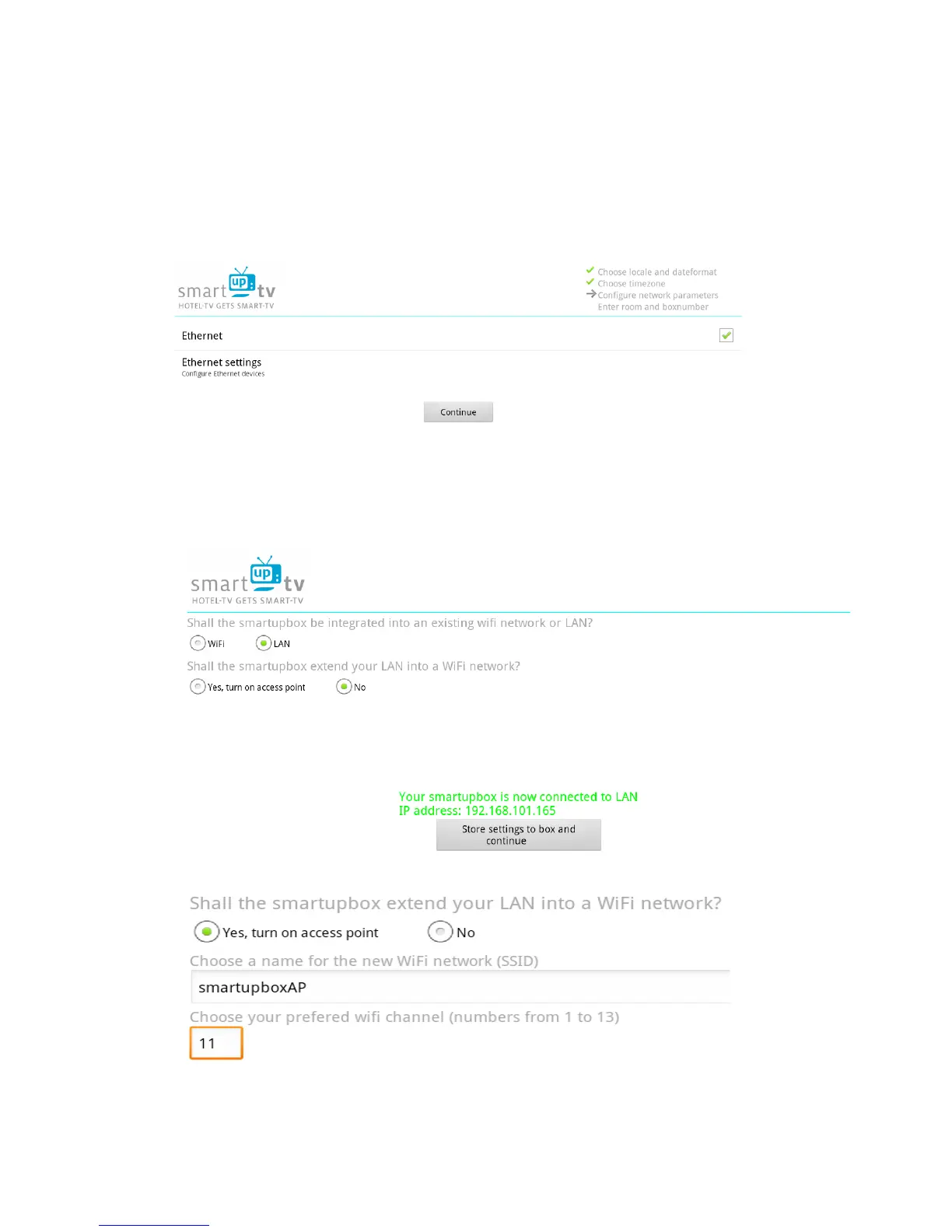
If you choose LAN you get to the menu from image 37.
You can either click on “Ethernet Settings” to configure whether your smartupbox should receive a
IP-address via DHCP or assign it a static IP address.
When you are done click on “continue” to get back to the previous menu where a new option has
appeared. This new option allows you to activate an access point to expand your LAN to a WiFi
access point. If you do not wish to activate the access point proceed with 7.5.



 To Next Page