7 Connect the remote to your TV
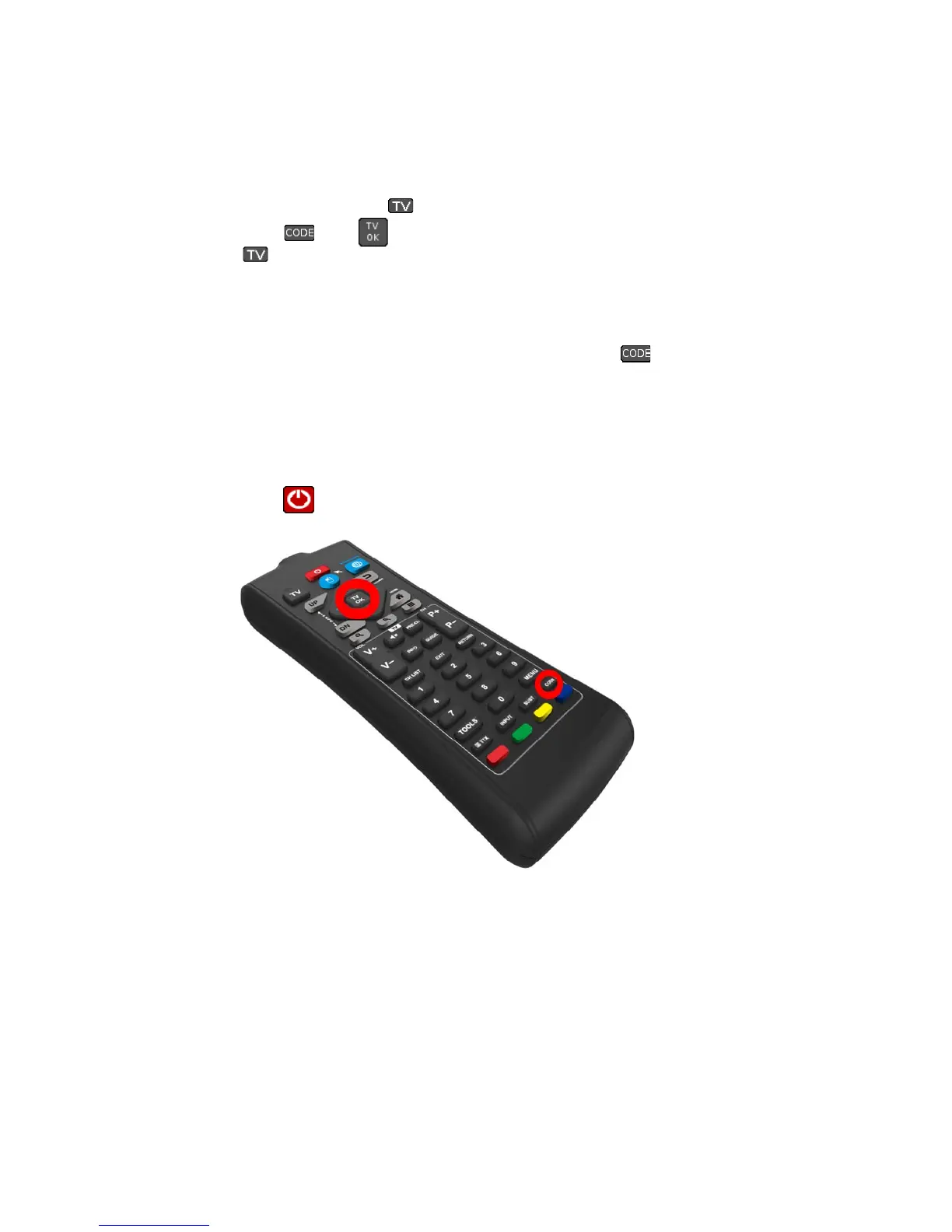
A: Turn the TV on and press the key on the remote.
B: Press the keys and simultaneously for about 5 seconds until the LED light
near the key comes on. The frequency scan is starting. With every flashing of the
LED a new frequency code is send. (view image 30 for all codes)
Now pay attention to the TV.
When the TV turns off while scanning press within 5 seconds the key and the frequency is
stored.
Now the remote is set to your TV.
If the TV does not turn off while scanning please start again with step B.
It is possible that your TV reacts to a different code. In that case not all keys will work as intended.
Restart the frequency scan and use a later code this time.
C: Press now the key to turn the TV on.



 To Next Page