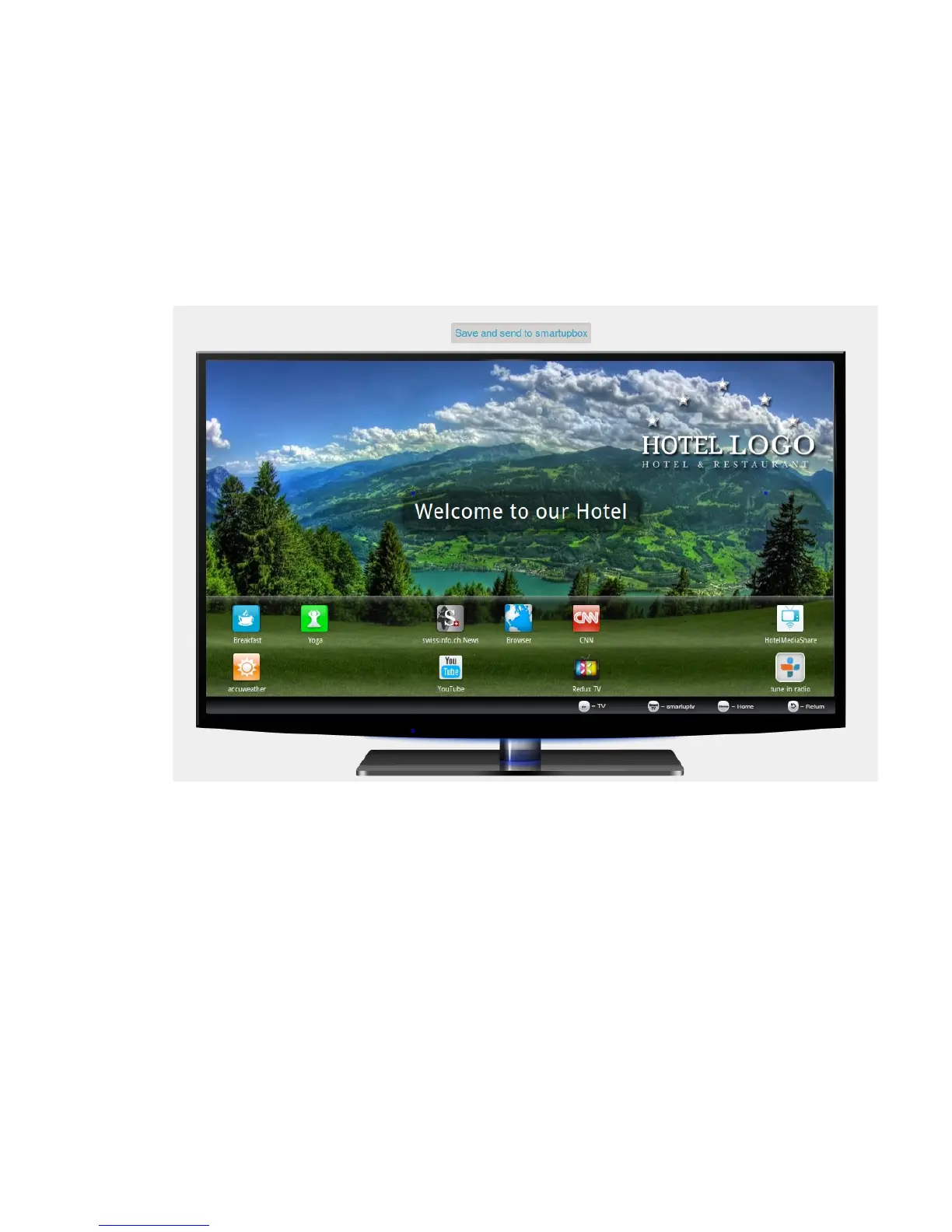
3.4 Preview
Here you see the final preview of your chosen apps as well as every other change you made in
step 3. To send this configuration to your smartupboxes click on “save and send to smartupbox".
Your smartupboxes will then be upgraded.
You can make further changes at any time.
If a box is not online or you acquire further smartupboxes at a later time they receive your
most recent configuration as soon as they establish a connection to the smartupserver.



 To Next Page