E
QUIPMENT
C
HECKLIST
3-3
Equipment Checklist
After unpacking the TigerSwitch 10/100/1000 unit, check the contents to
be sure you have received all the components. Then, before beginning the
installation, be sure you have all other necessary installation equipment.
Package Contents
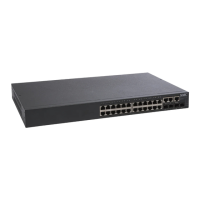
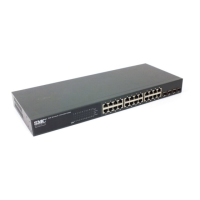
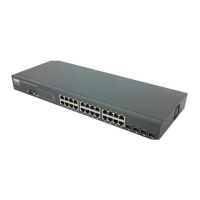
• TigerSwitch 10/100/1000 unit, SMC8024L2
• Four adhesive foot pads
• Bracket Mounting Kit containing two brackets and eight screws for
attaching the brackets to the switch
• Power cord—either US, Continental Europe or UK
• RS-232 console cable
• This Installation Guide
• Installation and Management Guide CD
• SMC Warranty Registration Card—be sure to complete and return to
SMC
Optional Rack-Mounting Equipment
If you plan to rack-mount the switches, be sure to have the following
equipment available:
• Four mounting screws for each device you plan to install in a rack—these
are not included
• A screwdriver (Phillips or flathead, depending on the type of screws used)




 To Next Page

