EasyManua.ls Logo

SMC Networks SMC6750L2 - User Manual

Default Icon
272 pages
Print Icon
To Next Page IconTo Next Page
Loading...
TigerSwitch 10/100
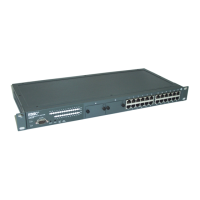
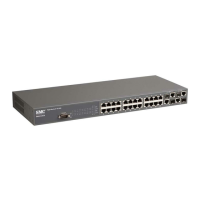
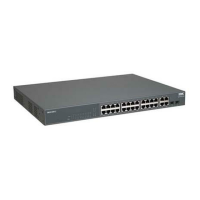
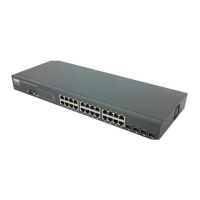
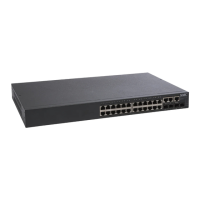
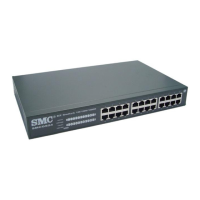
50-Port Layer 2 Switch
48 10BASE-T/100BASE-TX auto-MDI/MDI-X ports
2 auto-MDI/MDI-X 10/100/1000BASE-T combo ports
with associated SFP slots
Non-blocking switching architecture
Support for redundant power unit
Spanning Tree Protocol
Up to six LACP or static 4-port trunks
Layer 2/3/4 CoS support through four priority queues
Full support for VLANs with GVRP
IGMP multicast filtering and snooping
Manageable via console, Web, SNMP/RMON
Management Guide
SMC6750L2

Table of Contents

Other manuals for SMC Networks SMC6750L2

Questions and Answers

  • J
    Jason AndrewsJul 29, 2025
    What to do if I cannot connect to SMC Networks Switch using Telnet, Web browser, or SNMP software?
    • K
      Kurt DoyleJul 29, 2025
      If you cannot connect to the SMC Networks Switch using Telnet, a web browser, or SNMP software, ensure that the agent is configured with a valid IP address, subnet mask, and default gateway. Also, confirm that your management station has management VLAN access to the switch, with the default being VLAN 1. Verify that you have a valid network connection to the switch and that the port you are using is enabled. Check the network cabling between the management station and the switch. If using Telnet, you may have exceeded the maximum number of concurrent sessions permitted; try connecting again later.
  • C
    Chad PrattAug 14, 2025
    What to do if I cannot access the on-board configuration program via a serial port connection on SMC Networks Switch?
    • N
      Natalie ThomasAug 14, 2025
      If you cannot access the on-board configuration program of your SMC Networks Switch via a serial port connection, ensure that you have set the terminal emulator program to VT100 compatible, with 8 data bits, 1 stop bit, no parity, and 9600 bps. Also, check that the null-modem serial cable conforms to the pin-out connections provided in Appendix B.

Summary

Switch Management

Connecting to the Switch

Establishes initial network connection and configuration options for the switch.

Basic Configuration

Covers initial setup tasks including console access, passwords, and IP addressing.

Configuring the Switch

Using the Web Interface

Guides on accessing and utilizing the switch's web-based management interface.

Setting the IP Address

Details manual and dynamic methods for configuring the switch's IP address.

Configuring SNMP

Covers configuring SNMP access, community strings, and trap managers for network monitoring.

IGMP Snooping Commands

Details configuration of IGMP snooping for efficient multicast traffic management.

Priority Commands

Allows specifying packet precedence and mapping priority tags to switch queues.

Command Line Interface

Appendix A Troubleshooting

Troubleshooting Chart

Provides a table of common symptoms and their corresponding actions for troubleshooting.

Upgrading Firmware via the Serial Port

Step-by-step guide for updating switch firmware using a serial connection.

SMC Networks SMC6750L2 Specifications

General IconGeneral
ManageableYes
Weight3.5 kg
TypeLayer 2
MAC Address Table8K entries
Power SupplyInternal
Dimensions440 x 250 x 44 mm
Jumbo Frame Support9KB
FeaturesVLAN, QoS, IGMP Snooping
Uplink Ports2 x combo Gigabit SFP

Related product manuals