Use
65
EN
In order to remove the control lock repeat
the same operations described previously.
Error codes
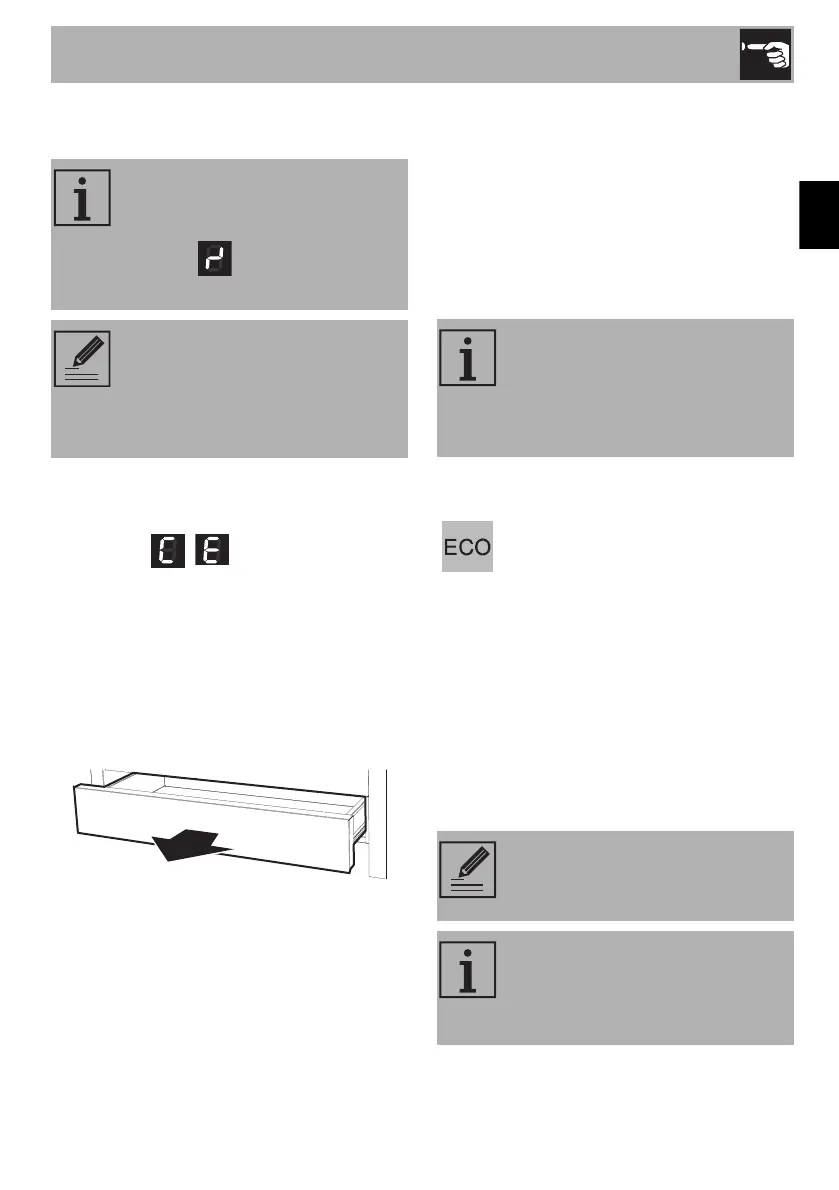
If the display shows one of the following
error codes , , contact Technical
Assistance.
3.5 Using the storage compartment
The storage compartment is at the bottom of
the cooker. To open it, pull the handle
towards you. It can be used to store
cookware or metallic objects necessary
when using the appliance.
3.6 Using the oven
Switching on the oven
To switch on the oven:
1. Select the cooking function using the
function knob.
2. Select the temperature using the
temperature knob.
Main oven functions
If the knobs have been kept turned
to the A position for more than
30 seconds, the following fault
message appears on the
display.
After a prolonged period of
interruption to the power supply,
the control lock will be
deactivated. If this is the case, turn
it back on as described above.
Regular flashing of the thermostat
indicator light during cooking is
normal and indicates that the
temperature is being maintained
constant inside the oven.
ECO
This function is particularly suitable
for cooking on a single shelf with
low energy consumption.
It is recommended for all types of
food except those that may
produce a large amount of moisture
(e.g. vegetables).
To obtain maximum energy savings
and reduce cooking times, it is
recommended to place food in the
oven without preheating.
When using the ECO function,
avoid opening the door during
cooking.
Cooking (and preheating) times
are longer with the ECO function
and may depend on the amount of
food in the oven cavity.


 To Next Page