Instructions for the user
82
6.5 Operating modes
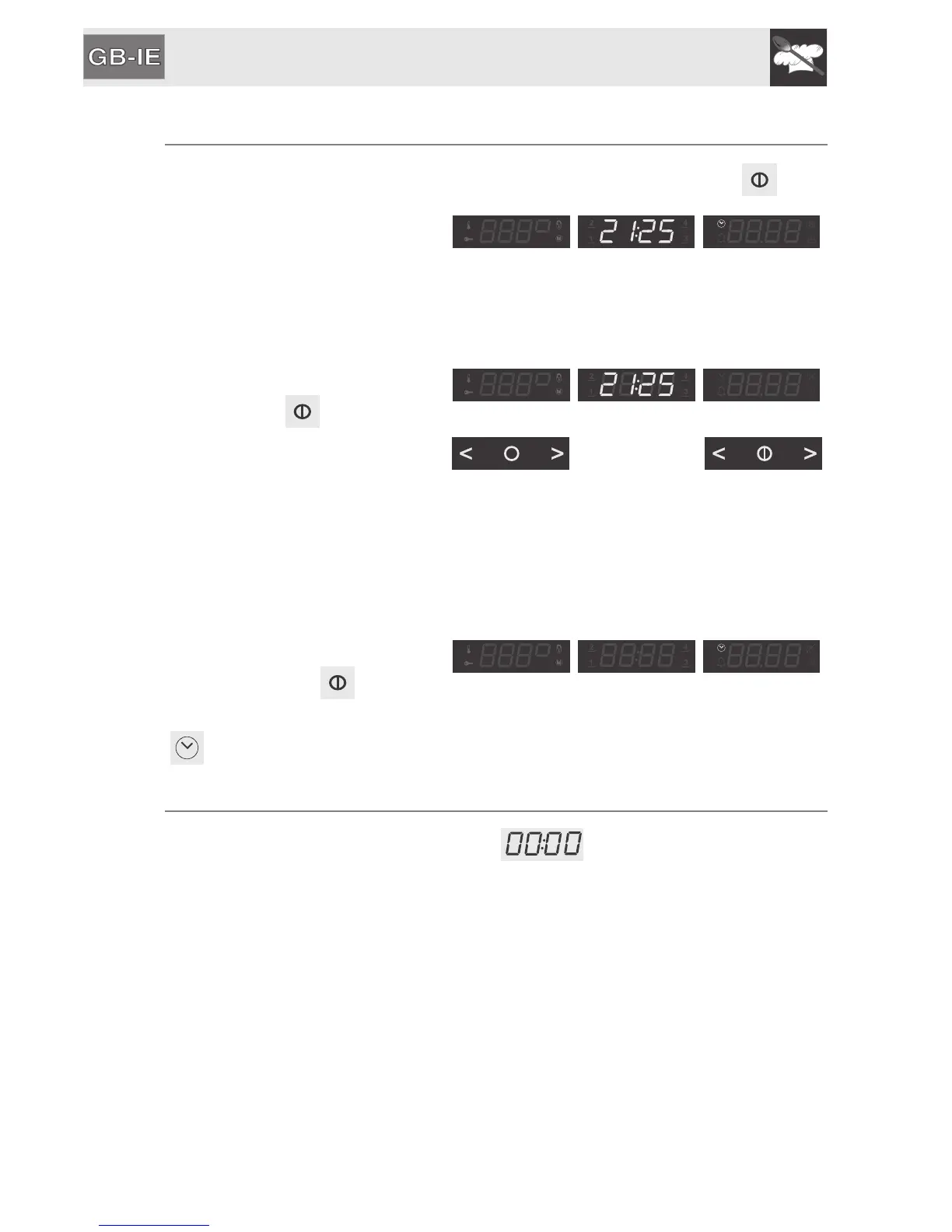
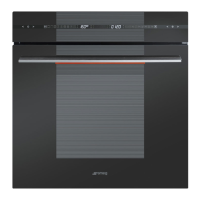
This appliance has three operating modes which can be activated via .
STAND-BY setting: the
appliance displays the current
time (activated as soon as the
current time has been
confirmed).
ON setting: from the standby
setting, press once.
The touch-sensitive zones light
up to indicate that it is now
possible to select a cooking
function or a recipe.
If no function is selected within
20 seconds, the oven goes into
STAND-BY setting automatically.
OFF setting: from the ON
position, keep pressed
down until it switches off. Only
will remain lit up.
6.6 First use
On the first use, or after a power failure, will be flashing on the oven's
main display. To be able to start any cooking function, the current time must be
set.


 To Next Page