Instructions for the user
97
6.15.1 Child lock mode
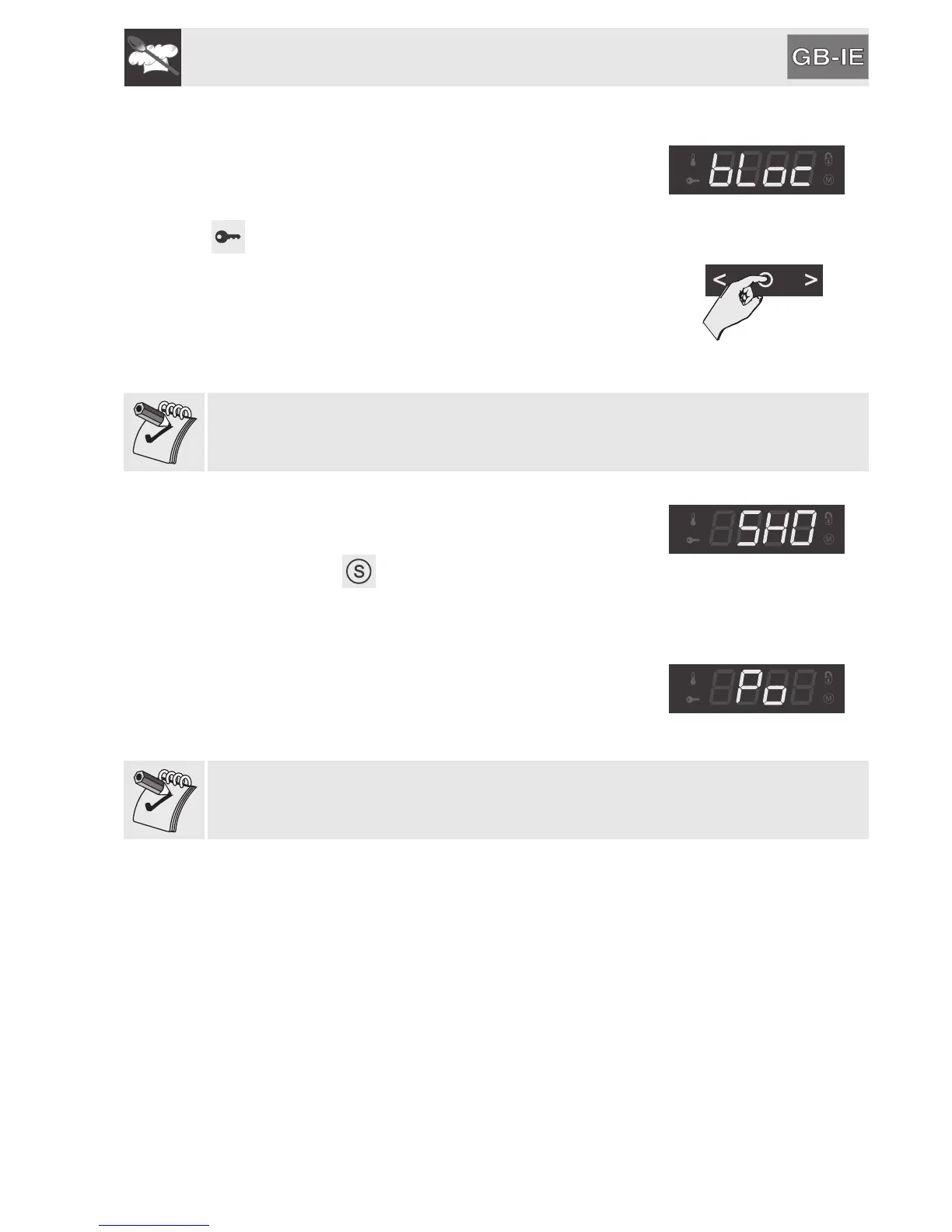
By activating this mode, after two minutes of
operation without any intervention from the user, the
controls will automatically be locked, indicated by
lighting up.
To temporarily release the lock during cooking, hold
down the temperature selection knob for 5 seconds.
Two minutes after the last setting the lock will
become active again.
Temperature zone
If the symbols on touch-sensitive zones are pressed, the word “BLOC” will
appear for two seconds.
6.15.2 Show room mode (for exhibitors only)
Activating this mode disables all the heating
elements so that only the control panel works (some
models display ). To use the oven normally, set
this mode to OFF.
6.15.3 Low power mode
Activating this mode limits the power used by the
appliance.
PO: HI ; normal power
PO: LO ; low power
Activating low power mode means that cooking times can be extended.


 To Next Page