Instructions for the user
90
6.12 Selecting a recipe
The appliance is equipped with preset recipes and 1
free recipe.
A recipe is a combination of preset functions, temperatures and cooking times.
It is only possible to select a recipe in ON mode; it is
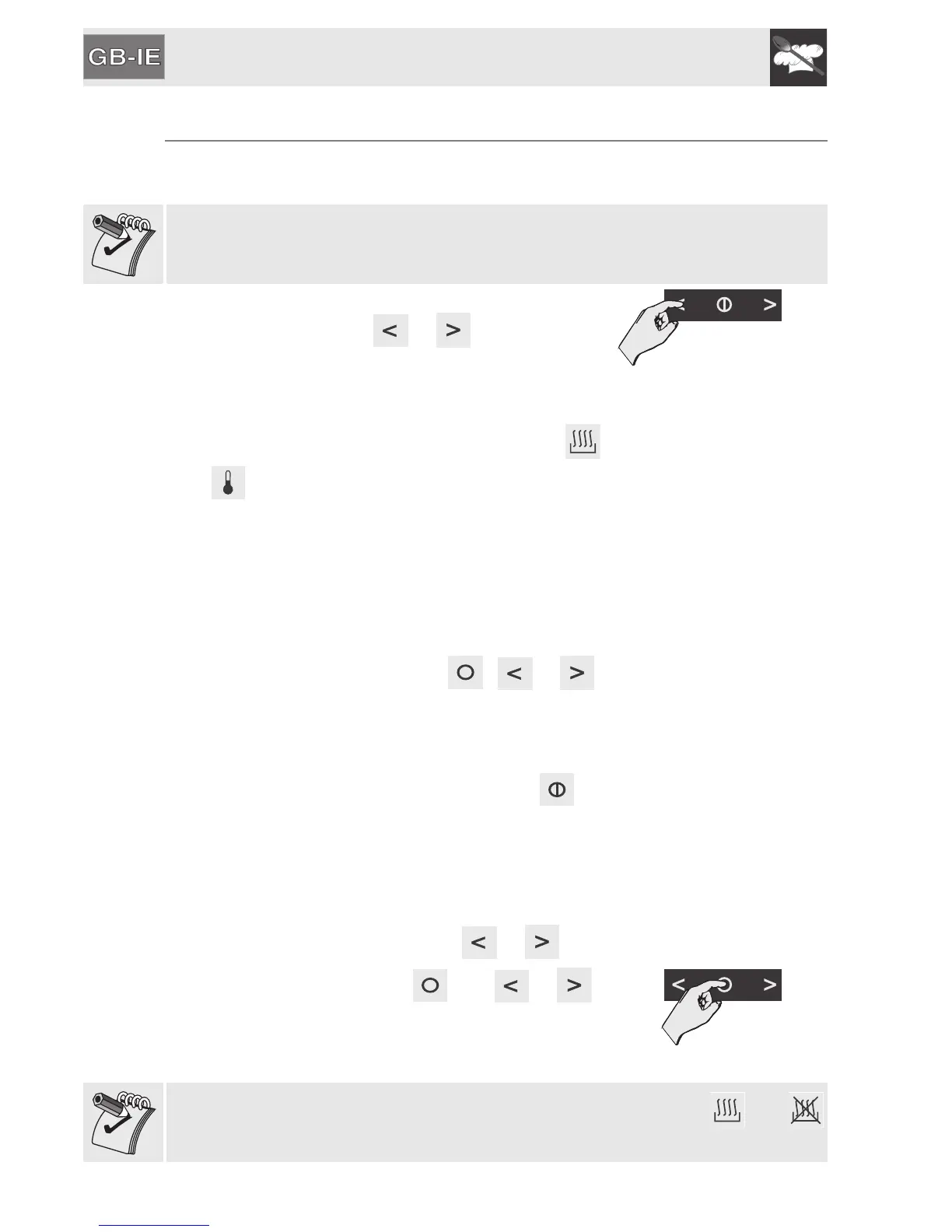
done simply by pressing or .
ON-OFF zone
The selected recipe will appear on the display.
Cooking will start with the preset parameters (
and lit up). When the preset temperature is
reached, a sequence of acoustic signals will sound
and the display and the temperature selection knob
will start to flash to indicate that food can now be put
into the oven.
The oven will maintain its internal temperature and
remain in this condition until one of the three
symbols in the temperature zone ( , or )
is pressed in order to start cooking.
The cooking time as specified in “6.13 Predefined
recipes table:” will then start.
To completely switch off the appliance, press for
2 seconds.
6.12.1 Modifying the set data
During cooking with a recipe, it is possible to modify
the preset temperature by pressing or .
To modify the duration, press then or .
Temperature zone
The modifications to the set data must be carried out when both and
are steadily lit.


 To Next Page