34
Instructions for the user
5. USING THE COOKING HOB
5.1 General warnings and advice
On first connection to the electrical mains, an operating check will be carried out automatically and all
indicator lights will come on for a few seconds.
After use, switch off the hot plates using the controls described in point “5.5 Switching off the cooking
zone”. Never rely solely on the cookware detector.
Never place metal objects, such as dishes or cutlery, on the induction hob surface as they may overheat.
Danger of burns.
5.2 Control panel
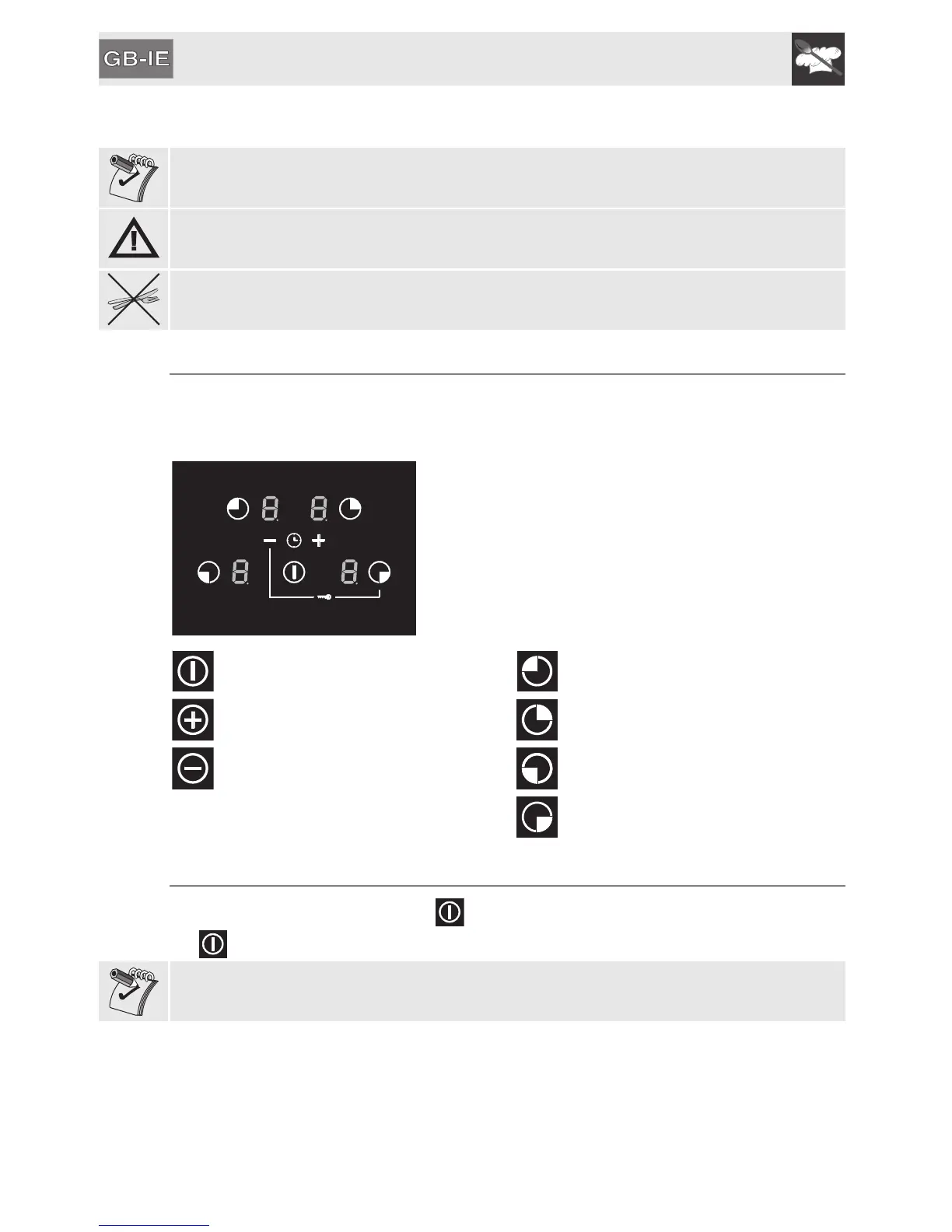
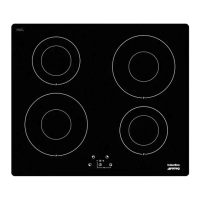
All the appliance's control and monitoring devices are located together on the front panel. The induction
hob is controlled by means of the Touch Control sensor keys. Lightly touch a symbol on the glass
ceramic surface. The buzzer will sound to confirm every effective touch.
ON/OFF key: this key is used to switch the
hob on or off.
Zone selection key: rear left.
Power increase key: increases the power
level or cooking time.
Zone selection key: rear right.
Power decrease key: decreases the
power level or cooking time.
Zone selection key: front left.
Zone selection key: front right.
5.3 Switching on and off the hob
To activate the hob keep the On/Off key pressed for at least 1 second. To deactivate the hob keep
key pressed for at least 2 seconds.
If after having activated the hob, no power value is selected within a few seconds, the hob is
automatically deactivated.


 To Next Page