Chapter 5 - Operation and use
42
2 • Pressure exerted by the sealing frame (only FP560A - FP870A)
This parameter is for increasing/decreasing the sealing pressure.
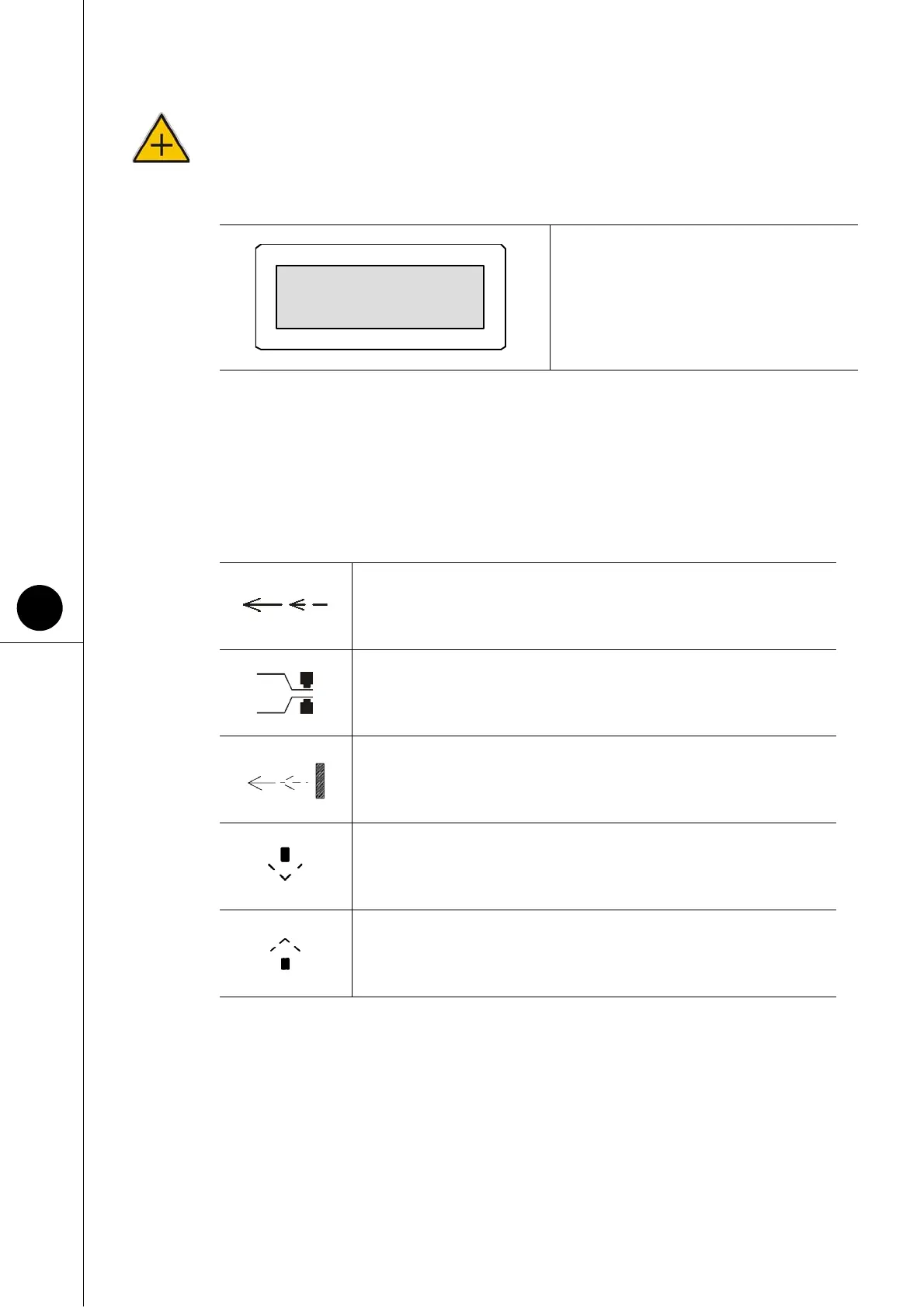
5.8 DESCRIPTION OF SYMBOLS ON DISPLAY
The following table provides an explanation of the symbols which appear on the machine
operator panel display.
Fig. 5.7.3
(can be set from 0 to 10)
Tells the operator to introduce the product to be packaged.
Indicates a sealing process in progress.
Out-feed of the current pack.
Closing of the sealing frame.
Opening of the sealing frame.
Pressure 6,0



 To Next Page