Quick Start Guide
|
11
1.8 Used Symbols
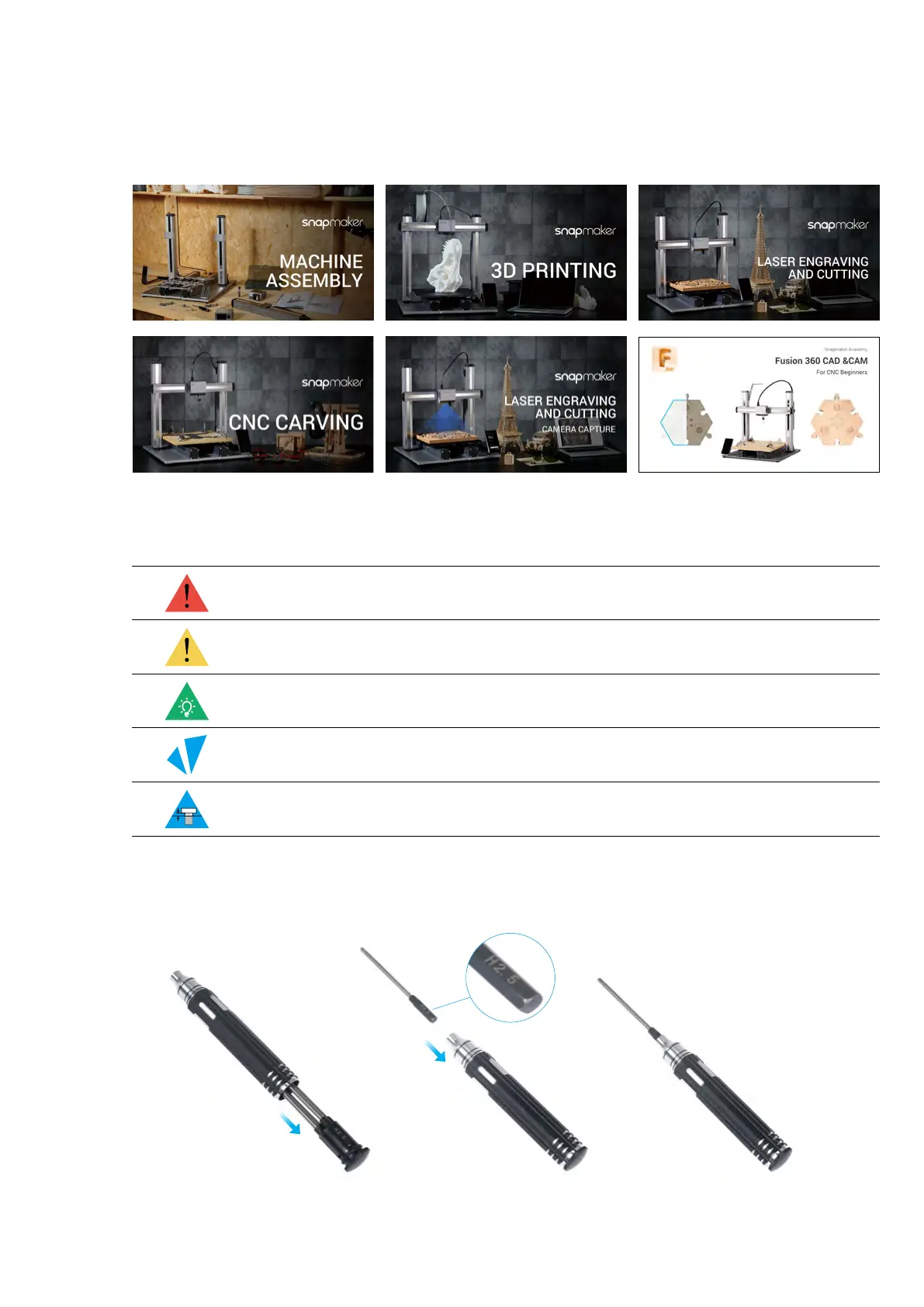
1.9 Get the Screwdriver Ready
The screwdriver head H 2.5 is used for assembling the machine. The other heads are used for maintenance.
Make sure the screw head holder has been put back inside of the handle before use.
CAUTION
NOTE
TIPS
Ignoring this type of message might result in malfunction or damage of the
machine and injuries to users.
Details you should be aware of throughout the process.
Tips offer you convenient operations and additional options.
Make sure that the highlighted part is facing the right way.
Do not tighten the screws when this symbol appears. Always tighten the
screws when it is absent.
1.7 Video Tutorials
Apart from this Quick Start Guide, we also make video tutorials. Read this guide to finish assembly, and if you
are feeling adventurous, tricks that are not included in this guide can be found in the video tutorials. Visit our
website at https://support.snapmaker.com/hc/en-us-> select Snapmaker 2.0 -> Go to Video Tutorial.



 To Next Page