08
1.8 Preparations
1.8.1 Software Update
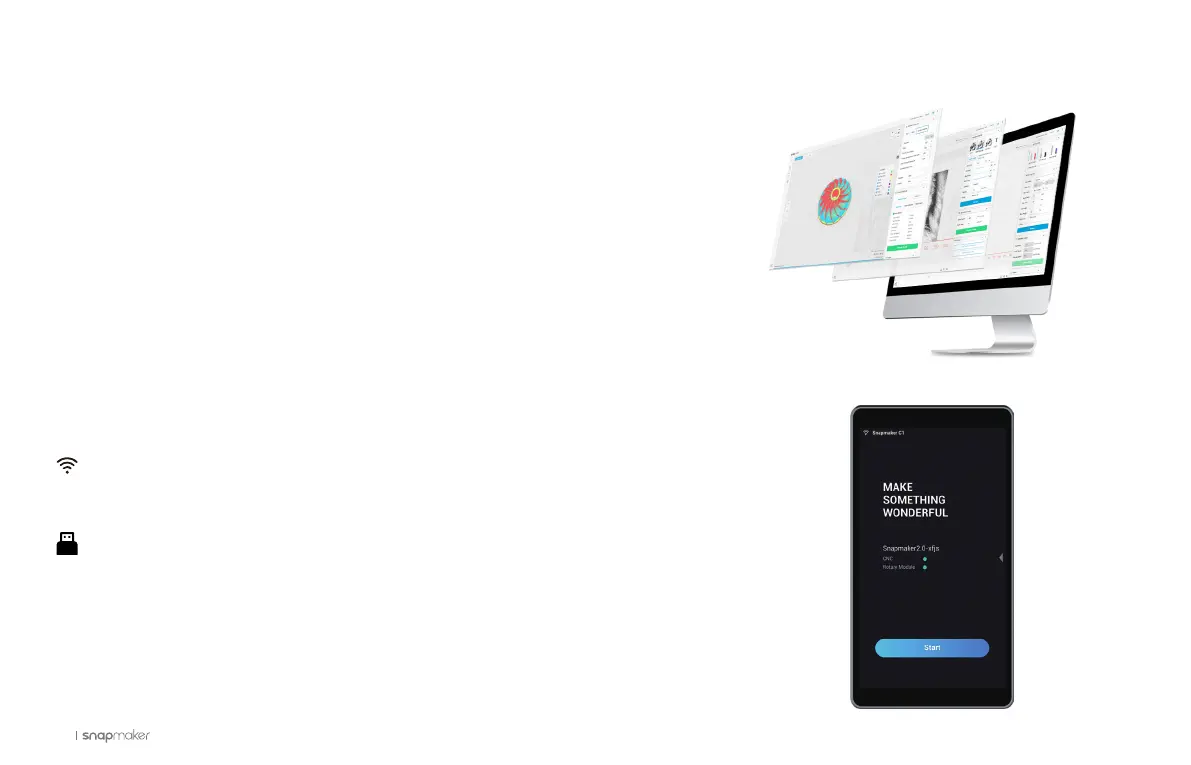
Download our software Snapmaker Luban from https://snapmaker.com/product/
snapmaker-2/downloads, and update it to version 3.14.0 or above. This guide takes
version 3.14.0 as a demonstration to generate the G-code file.
1.8.2 Firmware Update
Update the firmware to version 1.12.0 or above via Wi-Fi or USB flash drive.
: Turn on the machine > Connect your machine to a Wi-Fi network > Swipe left on
the Touchscreen > Tap Settings > Firmware Update > Check for Updates > Update
Now > Complete.
: Download our firmware from https://snapmaker.com/product/snapmaker-2/
downloads > Insert the USB flash drive into the Controller > Turn on the machine >
Swipe left on the Touchscreen > Tap Files > Tap USB > Tap the firmware file to update.



 To Next Page