30
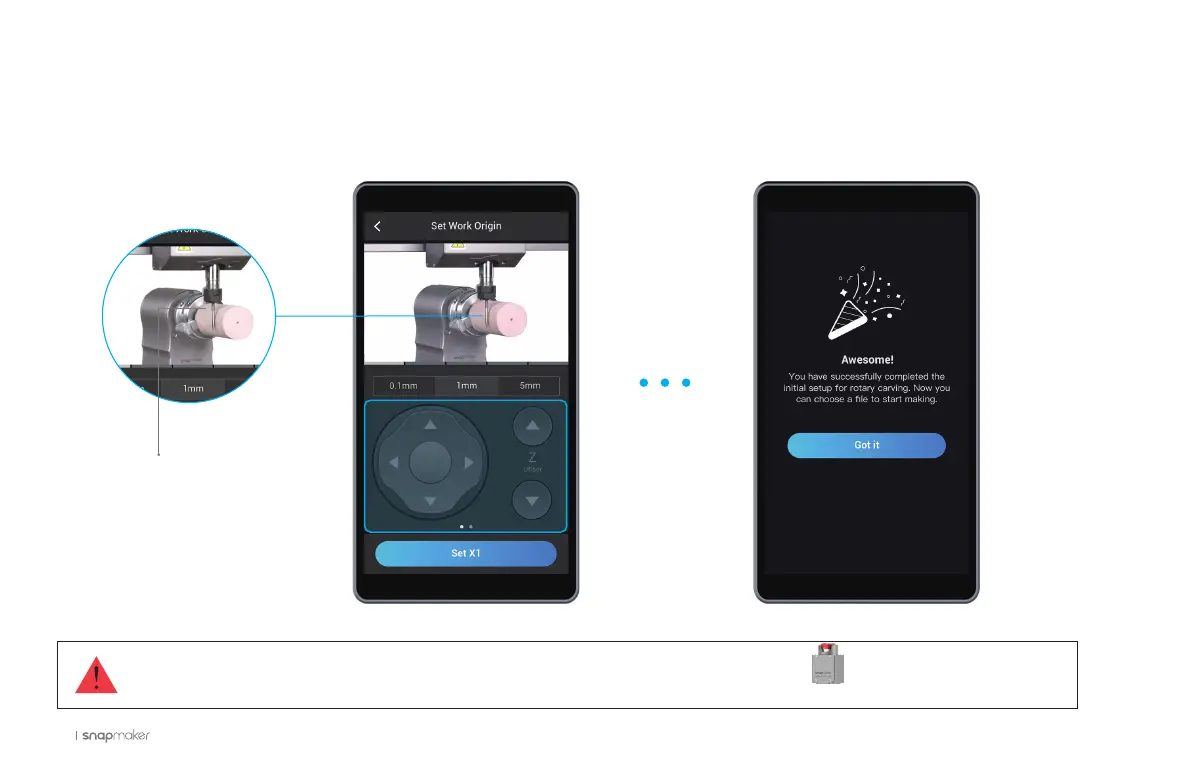
How to Set the Work Origin
Read the instruction on Origin Assistant on the Touchscreen, and wear the CNC Safety Goggles. Follow onscreen instructions, and manipulate the
illustrated part of the straight groove v-bit to touch the material.
If the CNC bit bumps into the machine, turn off the machine immediately or press the Emergency Stop Button .
Shank



 To Next Page