32
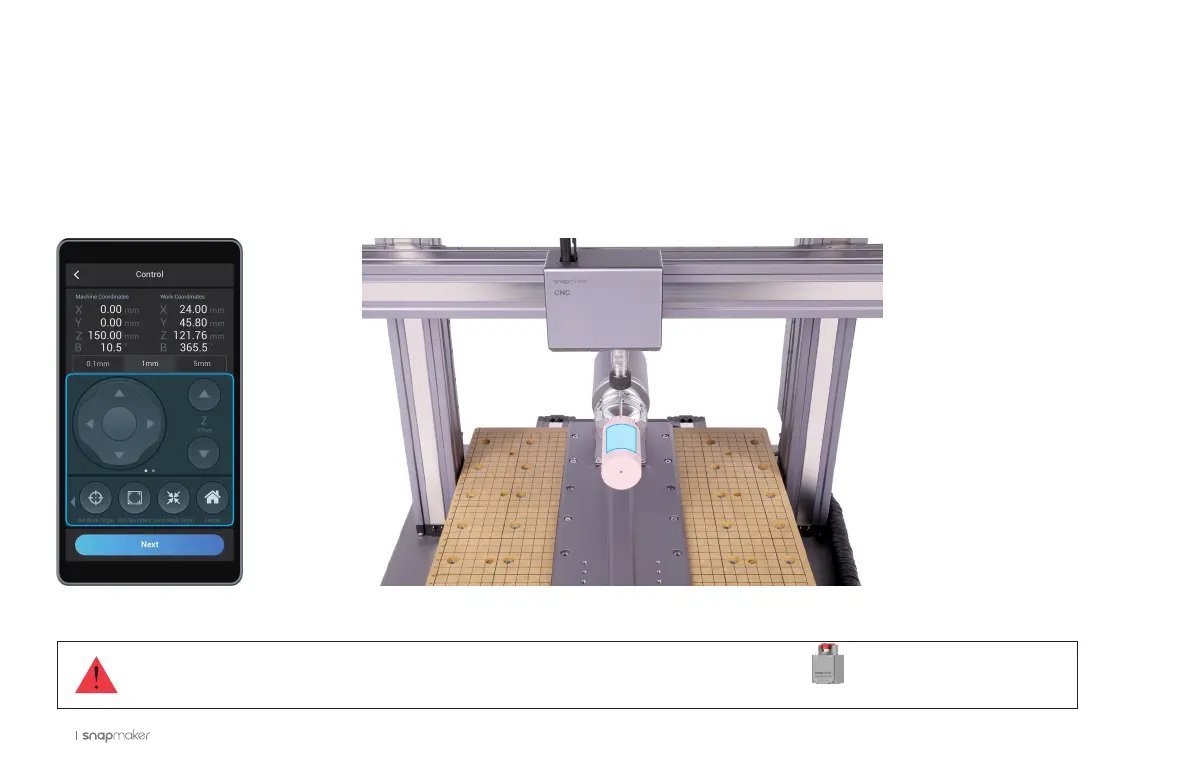
3.5.2 Run Boundary
Read the instruction on Set Work Origin, and ensure you have worn the CNC Safety Goggles. Use Z Offset to
lift the CNC bit above the Rotary Headstock, and tap Run Boundary to check the work area. If the work area is
inappropriate, reset the work origin.
If the CNC bit bumps into the machine, turn off the machine immediately or press the Emergency Stop Button .
If the CNC bit bumps into the machine, turn off the machine immediately or press the Emergency Stop Button .



 To Next Page