14
snom 821 Quick Start Guide
E
N
G
L
I
S
H
Directory
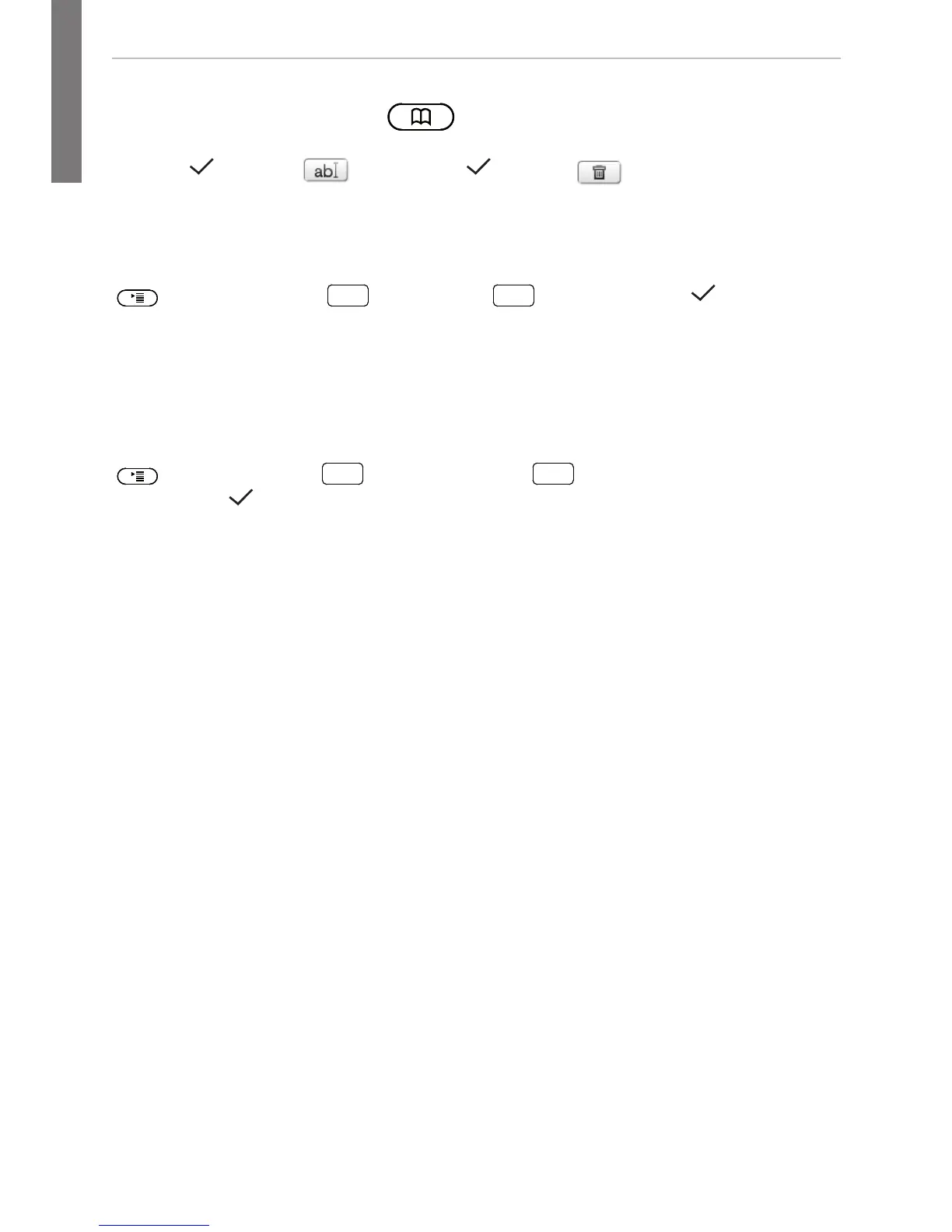
• Opening list of names: Press
• Shortcut to <New Item> at the end of the list: . Scroll with .
• Dial:
. Details: , edit detail: . Delete: .
Trouble shooting
Reboot
> 5 Maintenance:
DEF
> "Reboot?" >
Hard reboot
Disconnect power, wait for a few seconds, reconnect.
Never disconnect the power during a firmware update!
Reset to factory values
> 5 Maintenance:
GHI
> enter administrator
password >
All customized settings will be lost!
TFTP Update
When there is no other way to get the phone to work (administrator password lost,
etc.). How it is done: See http://wiki.snom.com/Firmware/Update/TFTP_Update/en.
All customized settings will be lost!



 To Next Page