10
snom 821 Quick Start Guide
E
N
G
L
I
S
H
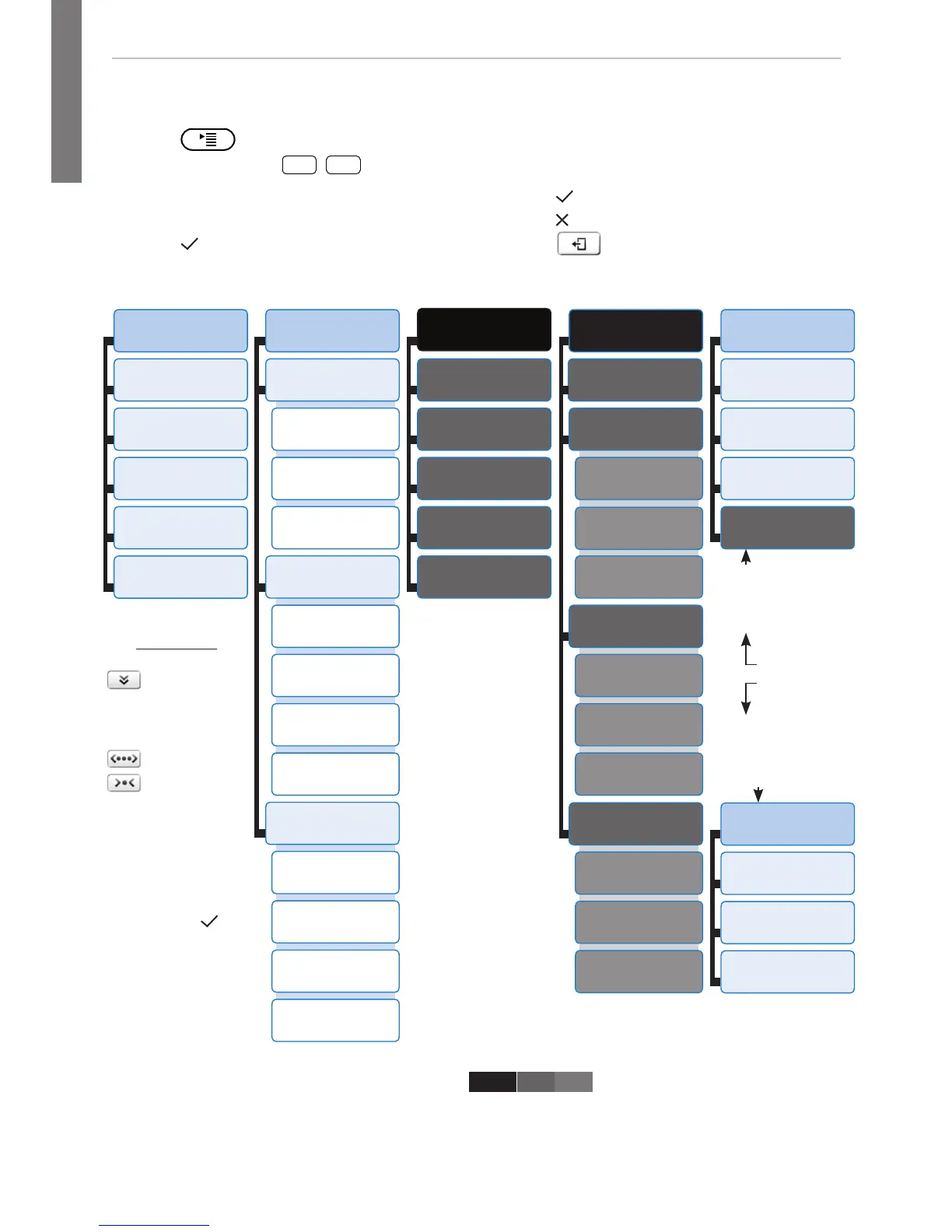
* The submenus and the settings shaded black and gray are not available when the
phone is running in user mode. The factory setting is administrator mode. The
default administrator password is 0000 (4 x zero).
** System Info: Firmware version, IP address, MAC address, available + total memory
1
Preferences
1
Time Zone
2
Tone Scheme
3
Ringer
4
Language
5
Display
2
Call Features
1
Call Forwarding
1
Forward all
2 Forward
when busy
3
Fwd after timeout
2
Outgoing Calls
1
Auto Dial
2 Number
Guessing
3
Call Completion
4 Hide own
outgoing ID
3
Incoming Calls
1
Reject anonymous
2
Call Waiting
3 Auto Answer
Indication
4
Auto Answer Type
3 *
Identity
1 Outgoing
Identity
2
Reregister
3
Edit
4
Logoff
5
Logoff all
4 *
Network
1
IP Setting
2
Webserver
1
Webserver Type
2
HTTP Admin
3
HTTP Password
3
Reset VLAN
3
VLAN
1
VLAN ID (0-4095)
2 VLAN Priority
(0-7)
3
Switch off WLAN
4
WLAN
1
802.11b/g/n
2
802.11b/g
5 *
Maintenance
1
System Info**
2
User Mode
3
Reboot
4
Reset Values
3 *
Maintenance
1
System Info**
2 Administrator
Mode
3
Reboot
switch phone to user
mode!
In user mode.
Administrator
password required to
switch to admin mode!
Maintenance
menu
• Press to open
• Press number key
1
,
2
ABC
, etc. to
open submenus and settings
• Press
to select setting
• Press
to save selected setting
• Settings with (On)/(Off) or (Yes)/(No):
Press to change and save
• Press to return to the previous screen
• Press



 To Next Page