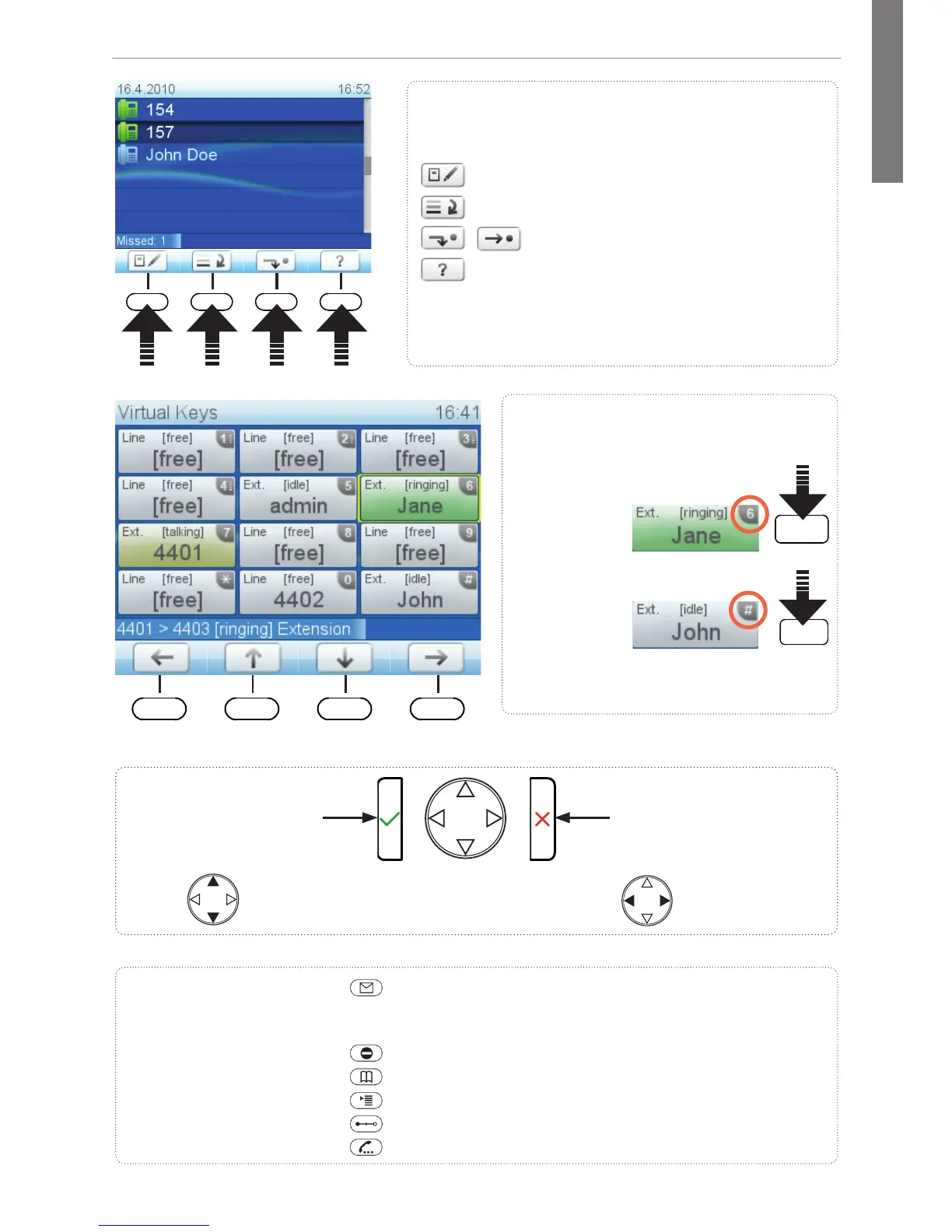
At a glance
Call LED
• Blinking fast: Incoming call
• Steady light: In call
• Blinking slowly: Missed call.
Press
to turn off.
Show virtual keys on
the display:
Press key for 2 seconds
Freely programmable LED
keys
Default setting: Line
• Fast-blinking LED: Incoming
call. Press key or to accept
• Steadily lit LED: In call
• Slow-blinking LED: Call on
hold
Pound (hash) key
Context-sensitive, programmable
function symbols and function keys
Select outgoing identity, incl. inactive
identities
Call lists (missed, received, dialled calls)
Forwarding all calls (on/off)
IP address & address of snom Wiki
Dedicated,
customizable
function keys:
MWI (LED key) - if supported by PBX
• Lit when message is waiting on mailbox
• Press to listen to message(s)
Turn DND (do not disturb) on/off
Directory
Settings menu
Transfer call
Hold/unhold call
Using the virtual keys: Press the
alphanumeric key. Examples:
Confi guring the keys: See page after
next
• Call pickup (green key):
• Dial extension:
• Confi rming, saving
actions & input
• From idle screen:
Redial
•
Canceling actions
& input
• Turning off call LED
after missed call
Received
calls
Missed
calls
Selecting identity for
outgoing calls
Press the function key to activate the function, open
the list etc. depicted by the symbol above the key



 To Next Page