13
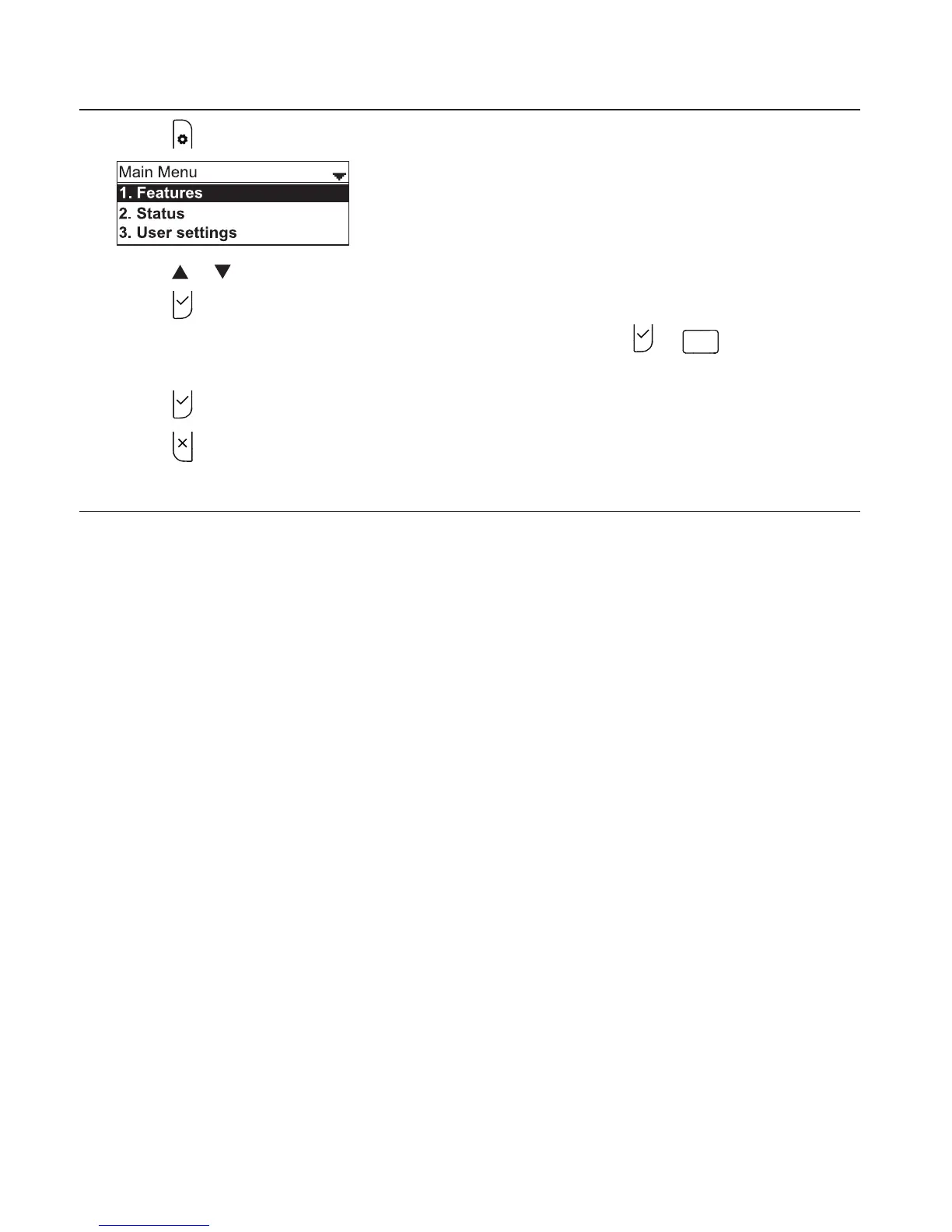
Using the phone menu
1. Press
to show the main menu.
2. Press or to highlight menu items.
3. Press
or the corresponding dial pad key to select a highlighted menu item.
For example, when Features is highlighted, you can press
or
to view the
Features submenu.
4. Press
or an appropriate soft key to save changes.
5. Press
to cancel an operation, exit the menu display or return to the idle screen.
Main menu items
1. Features (see page 27)
2. Status (see page 63)
3. User settings (see page 42)
4. Admin settings (available only to your system administrator).
Conference phone operation



 To Next Page