29
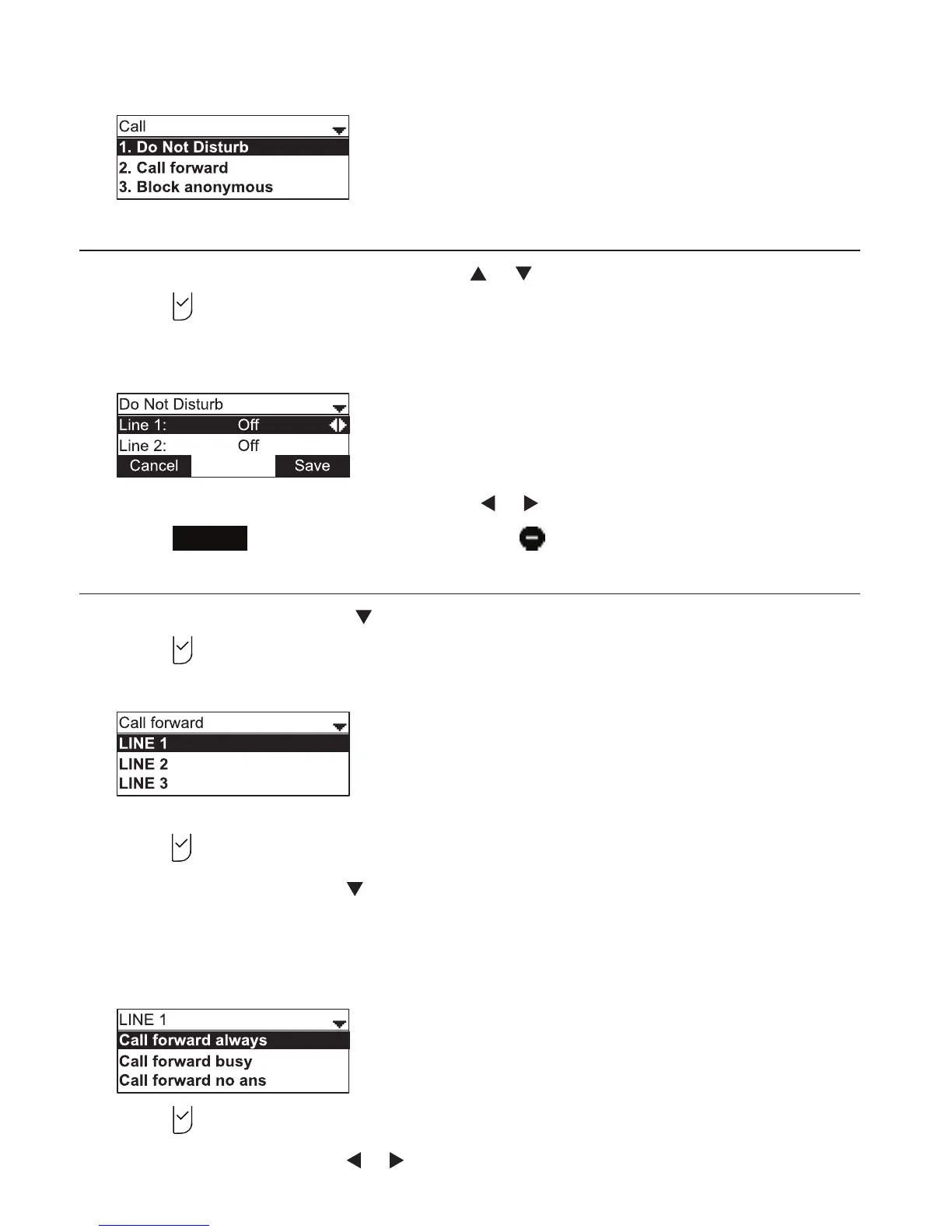
The Call menu appears.
Setting Do Not Disturb
1. From the Call menu, if necessary, press or to highlight Do Not Disturb.
2. Press
.
3. On the Do Not Disturb menu, highlight the line for which you want to turn Do Not
Disturb On or O.
4. When the desired line is highlighted, press or to turn Do Not Disturb On or O.
5. Press
Save
. When Do Not Disturb is on, appears on the idle screen.
Setting Call forward
1. From the Call menu, press
to highlight Call forward.
2. Press
.
The Call forward menu appears.
3. Highlight the line for which you want to configure call forward settings, and then
press
.
4. On the next screen, press to highlight the desired option:
• Call forward always
• Call forward busy
• Call forward no ans.
5. Press .
6. On the next screen, press or to turn call forwarding On or O.
Phone Features



 To Next Page