DEF
.
Alternatively, scroll with
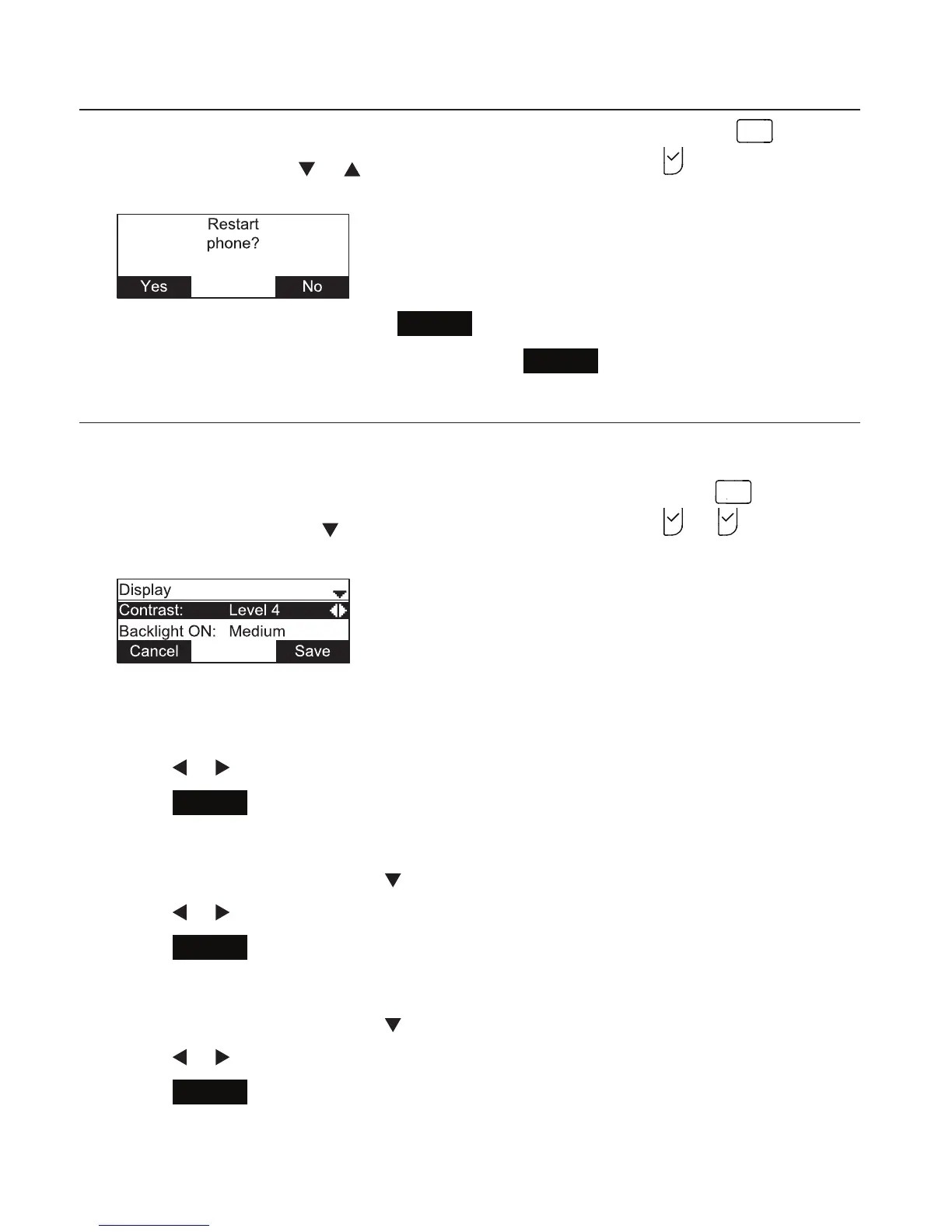
or to highlight the setting and press . The Restart phone
screen appears.
• To restart the phone, press
Yes
.
• To return to the Preferences menu, press
No
.
Display
Use the Display menu to set screen appearance and backlight behavior.
1. From the User settings menu, open the Display submenu by pressing
2
A B C
.
Alternatively, scroll with
to highlight the submenu and press . or . The Display
menu appears.
Setting the contrast level:
1. From the Display menu, ensure that Contrast is highlighted.
2. Press or to set the contrast level from 1 to 7 (4 is the default setting).
3. Press
Save
.
Setting the backlight level for the active phone
1. From the Display menu, press to highlight Backlight ON.
2. Press or to select O, Low, Medium, or High (High is the default setting).
3. Press
Save
.
Setting the backlight level for the idle phone
1. From the Display menu, press to highlight Backlight idle.
2. Press or to select O, Low, Medium, or High (O is the default setting).
3. Press
Save
.
Configuring the Phone



 To Next Page