31
Using the Call menu (continued)
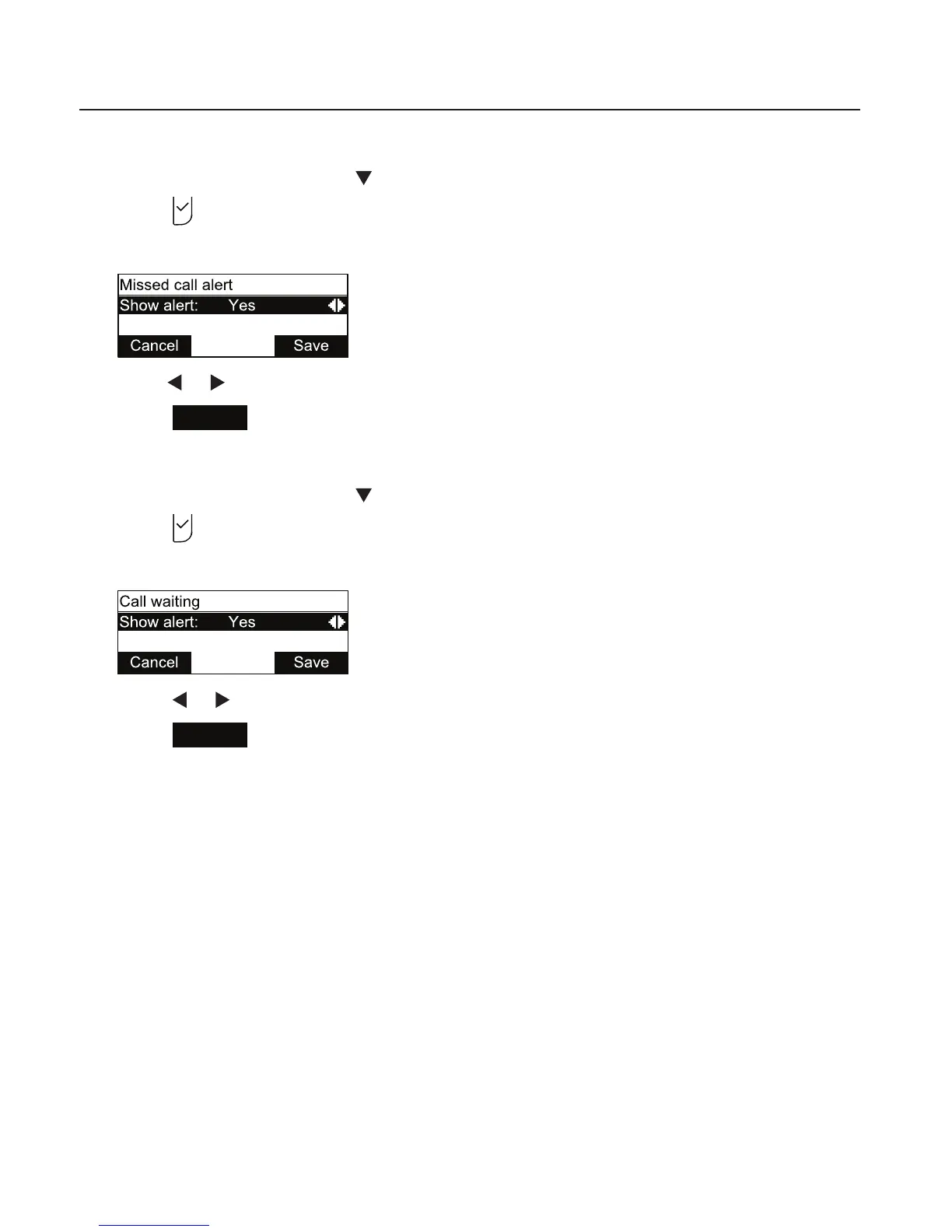
Enabling missed call alerts:
1. From the Call menu, press to highlight Missed call alert.
2. Press
.
The Missed call alert menu appears.
3. Press or to turn missed call alerts on (Yes) or o (No).
4. Press
Save
.
Enabling call waiting alerts:
1. From the Call menu, press to highlight Call waiting.
2. Press
.
The Call waiting menu appears.
3. Press or to turn call waiting alerts on (Yes) or o (No).
4. Press
Save
.
When Show alert is on and you are on a call, incoming calls are displayed on the
screen. When Show alert is o:
• Incoming calls are rejected and no notification appears on the screen.
• Rejected incoming calls are logged as missed calls.
See also Call Waiting Settings on page 56.
Phone Features



 To Next Page