Customizing the Phone Settings
Speed dial
You can use the numbers 0 to 30 and the special characters # and * to speed dial frequently and/or
long numbers without having to enter the complete phone number. The numbers must be set on the
phone's web interface first:
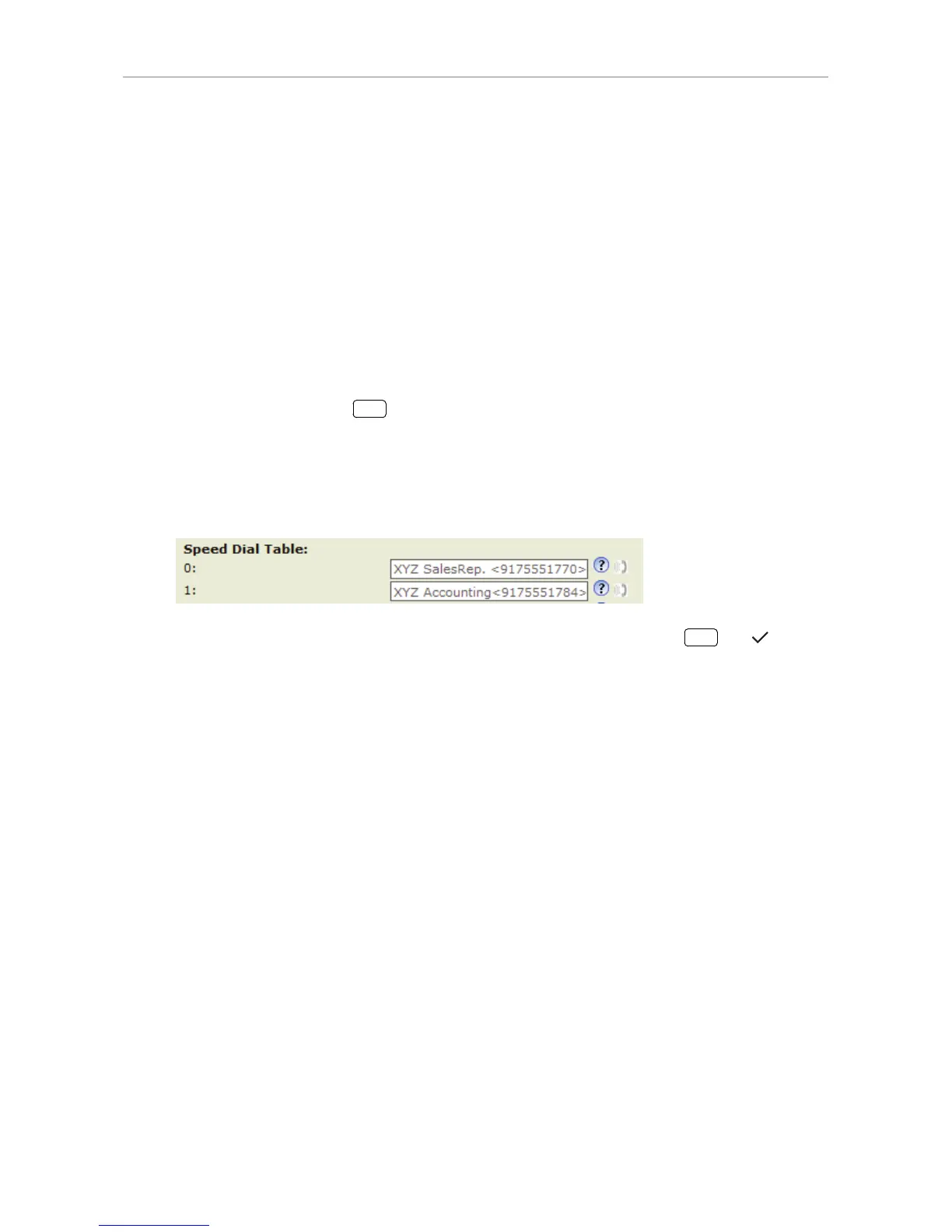
1. Open Setup > Speed Dial.
2. Enter one phone number with any required prefixes (area code, country code, operator/auto
attendant, etc.) in the text field for each respective number or special character.
Note: Type each phone number without spaces or punctuation between the digits.
For example: You want to be able to speed dial the phone number 555-1784 in area
code 917 by pressing the
key. In conventional notation you might write the number
down as (917) 555-1784. In the speed dial table, type 9175551784 into the text field
of the number 1.
If you want to add a name or other data before or after the number, type the number in
angled brackets <>. Example: Accounting <9175551784>.
3. Click on "Apply" and "Save". You can now speed dial the number by pressing



 To Next Page