EasyManua.ls Logo

Socket DURASCAN D740 - Page 21

Socket DURASCAN D740
50 pages
Print Icon
To Next Page IconTo Next Page
To Previous Page IconTo Previous Page
Loading...
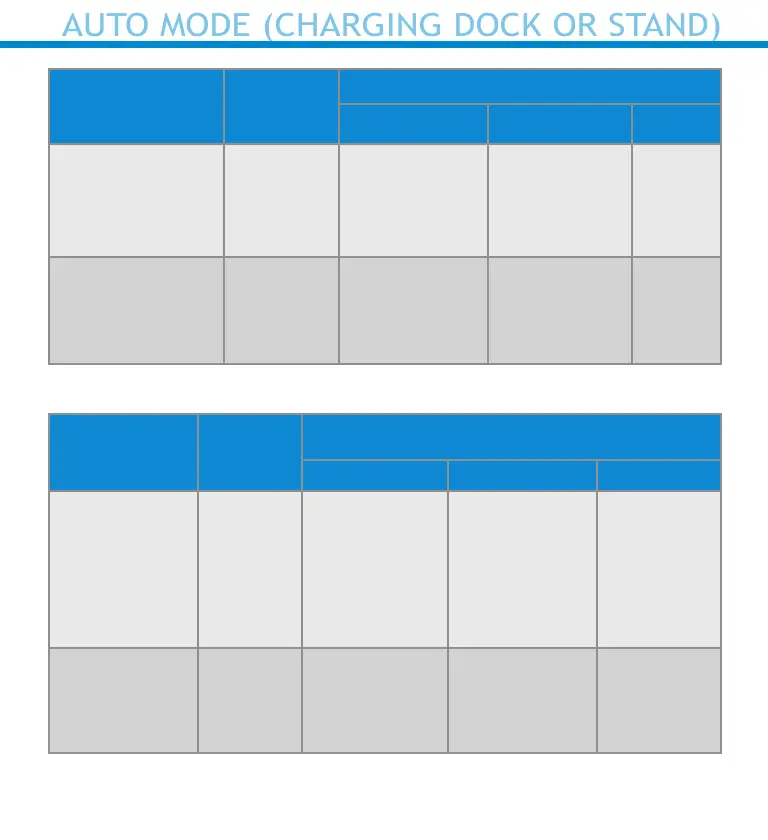
Action Behavior
Notication
Beep Pattern Light Activity Vibrate
Place Scanner
in the Charging
Dock or Stand
Scanner
switches
to Auto
Mode
High-high
tone conrms
proper
seating*
Battery Status
Light is
Disabled
None
Place a barcode
in the Scanners
Field of View
Read Bar
Code
1 Beep when
Data
successfully
scanned
Green Light
blinks (while
scanning)
None
Manual Mode (Not in the Charging Dock or Stand)
Action Behavior
Notication
Beep Pattern Light Activity Vibrate
Remove the
Scanner from
the Charging
Dock or Stand
and press the
Scan button
Scanner
switches
to Manual
Mode
None
Battery Status
Light is
Enabled
Enabled
Press the Scan
button
Decode
Bar Code
1 Beep when
Data
successfully
scanned
Green Light
blinks (while
scanning)
Vibrate
when Data
successfully
scanned
21
AUTO MODE (CHARGING DOCK OR STAND)

Related product manuals