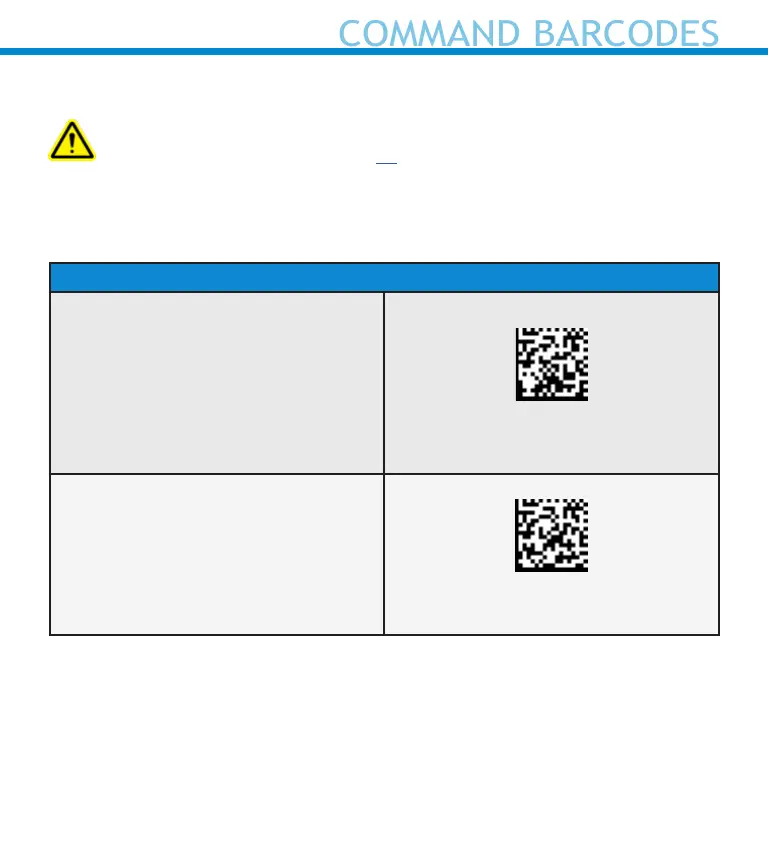
Scan command barcode(s) to quickly congure the Scanner.
Make sure the scanner is not connected to a device before scanning
a command barcode! See page 22 for unpairing instructions.
For a complete set of command barcodes, download the Command
Barcodes Sheet: https://socketmobile.com/support/downloads
Auto Mode and Manual Mode
Auto Mode
Scan the barcode to enable Auto Mode.
This will allow the scanner to
automatically scan barcodes without
pressing the scan button.
*Only works when in Charging Stand.
#FNB 41FBA50003#
Manual Mode - Normal (default)
Scan the barcode to congure the
scanner back to normal. It will be in
manual scan mode even when placed
in the stand or cradle.
#FNB 41FBA50000#
For More details on Auto Scan Mode and Manual Mode, see page 19.
44















 To Next Page