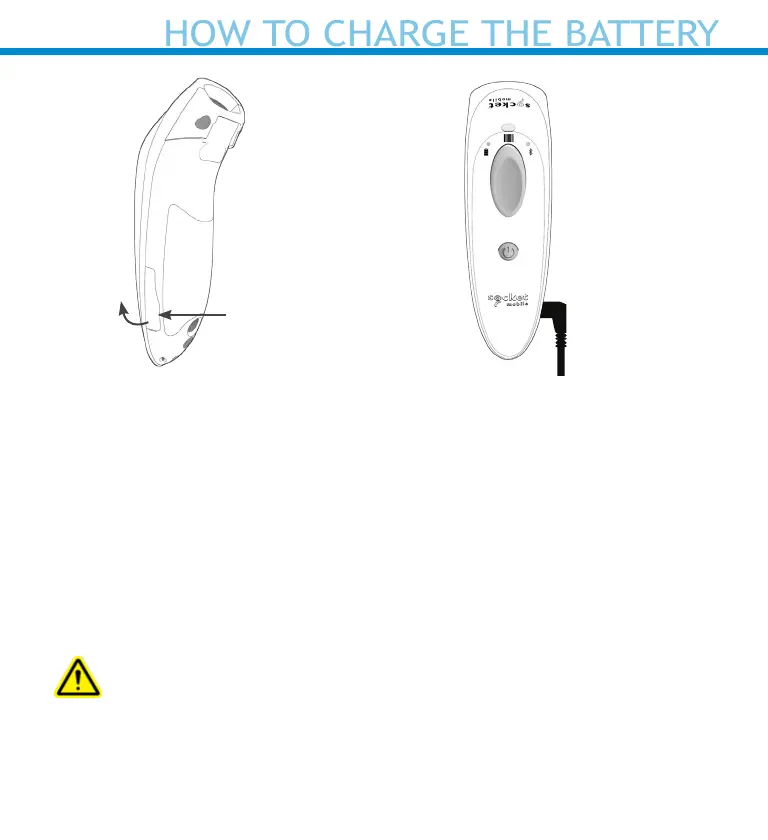
The scanner must be fully charged before rst use. Please allow 8 hours
uninterrupted charging for the initial battery charge.The scanner will
stop charging once the battery is full (no overcharging occurs).
Lift the rubber ap to access the power connector.
• Yellow/Amber Light = Charging
• Green Light = Fully charged
Important:
Charging from a computer USB port is not recommended.
HOW TO CHARGE THE BATTERY
Rubber Flap
To open
“Beep Beep”
7















 To Next Page