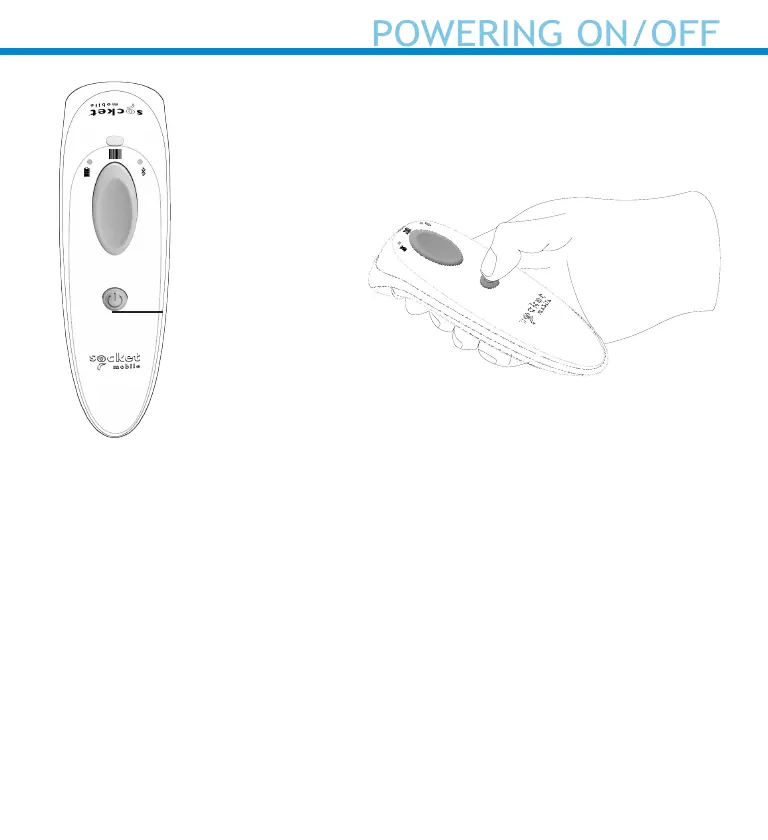
Powering On:
Press and hold down the small
power button until the Battery
light turns on and the scanner
beeps twice (low-high).
Powering Off/ Disconnecting:
Press and hold down the small
power button until the scanner
beeps twice (high-low) and lights
turn off.
The scanner will power off au-
tomatically if device is not con-
nected within 5 minutes. Scanner
connected to a device will power
off within 2 hours if idle/inactive.
Power button
9















 To Next Page