Vibrate Settings
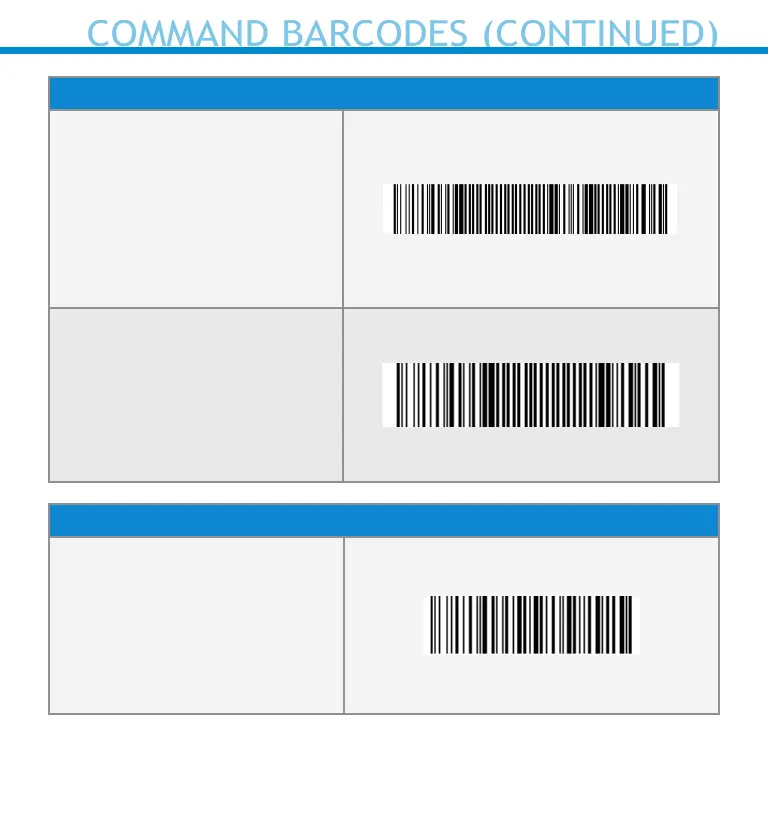
Vibrate ON (default)
Enables scanner to vibrate to
indicate successful scans.
#FNB01310001000100FA0000#
Vibrate OFF
Disables scanner from
vibrating to indicate
successful scans.
#FNB013100010000#
Factory Default
Factory Reset
Revert all settings to
factory defaults. The scanner
will power off after scanning
this barcode.
#FNB00F0#
For more command codes go to:
https://socketmobile.com/support/downloads
49
COMMAND BARCODES (CONTINUED)















 To Next Page