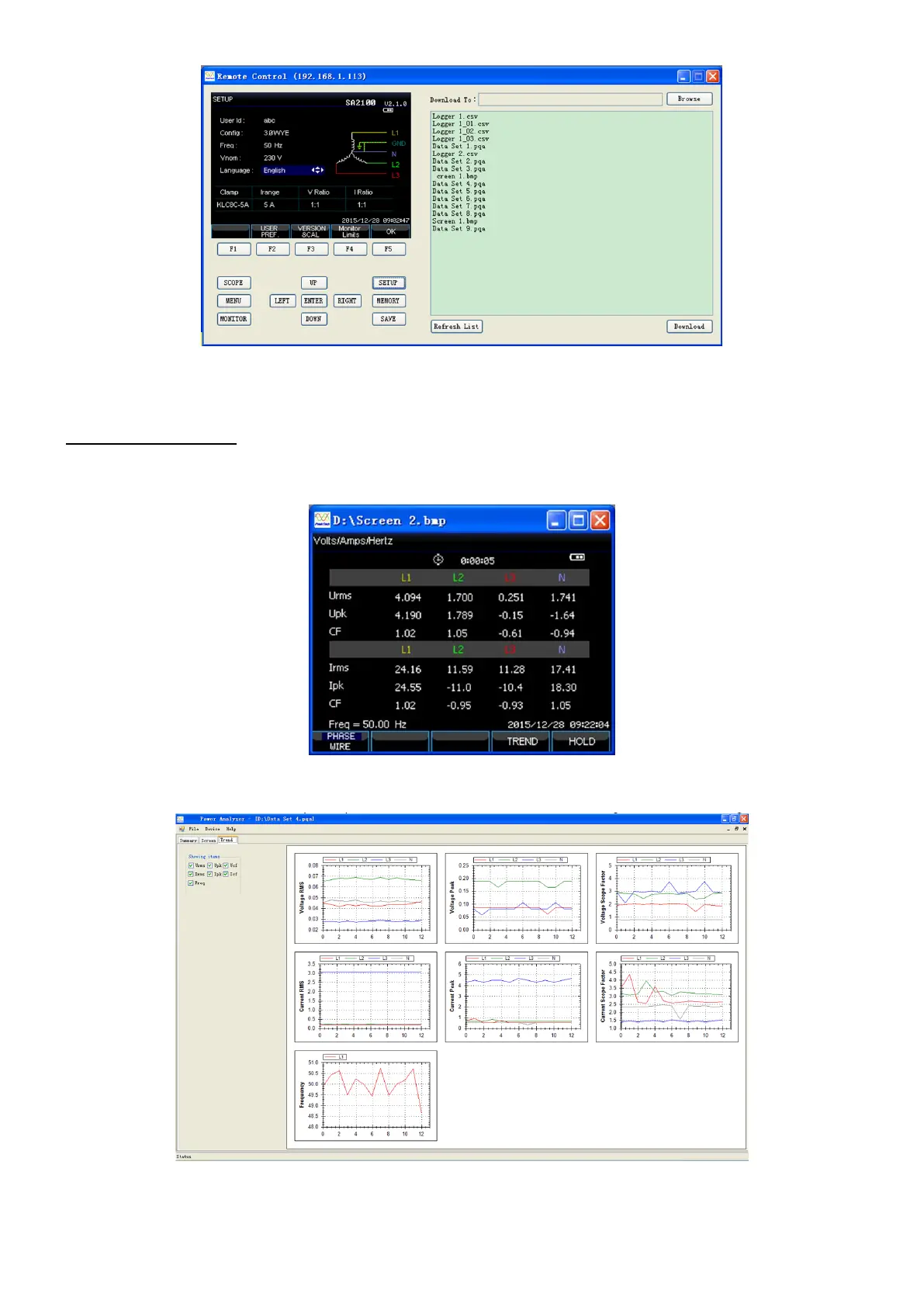
Remote control the device through pressing buttons in left area of above interface, the right area is the
stored list files, user can click ‘Download’ button to download selected files to the computer.
9.2. Check stored file
The device can store three format file: bmp picture file; pqa data file; csv log file
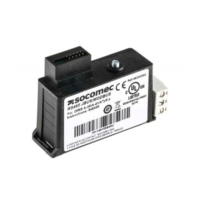
(1) Open the picture file and take the below screenshot for example
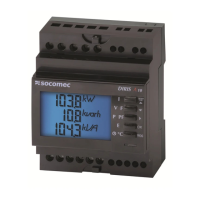
(2) Open the date file, and take the below picture saved under voltage/current measurement for
example
-76-









 To Next Page