31EN
DIRIS Digiware D-50 & D-70 - 548088B - SOCOMEC
LINE SETTINGS
|
I-30@4 ID:FOC1D2
WAY +/DIRECT
V LINE V3
CT 0600
DETECT
OK
If a load is congured as three-phase or three-phase+neutral, for example, you would have to congure multiple current
sensors (e.g. 3 current sensors for one three-phase load):
LOAD
|
I-30@4 ID:FOC1D2
…
CT SETTINGS
CT2 I02
CT SETTINGS
CT3 I03
CT SETTINGS
…
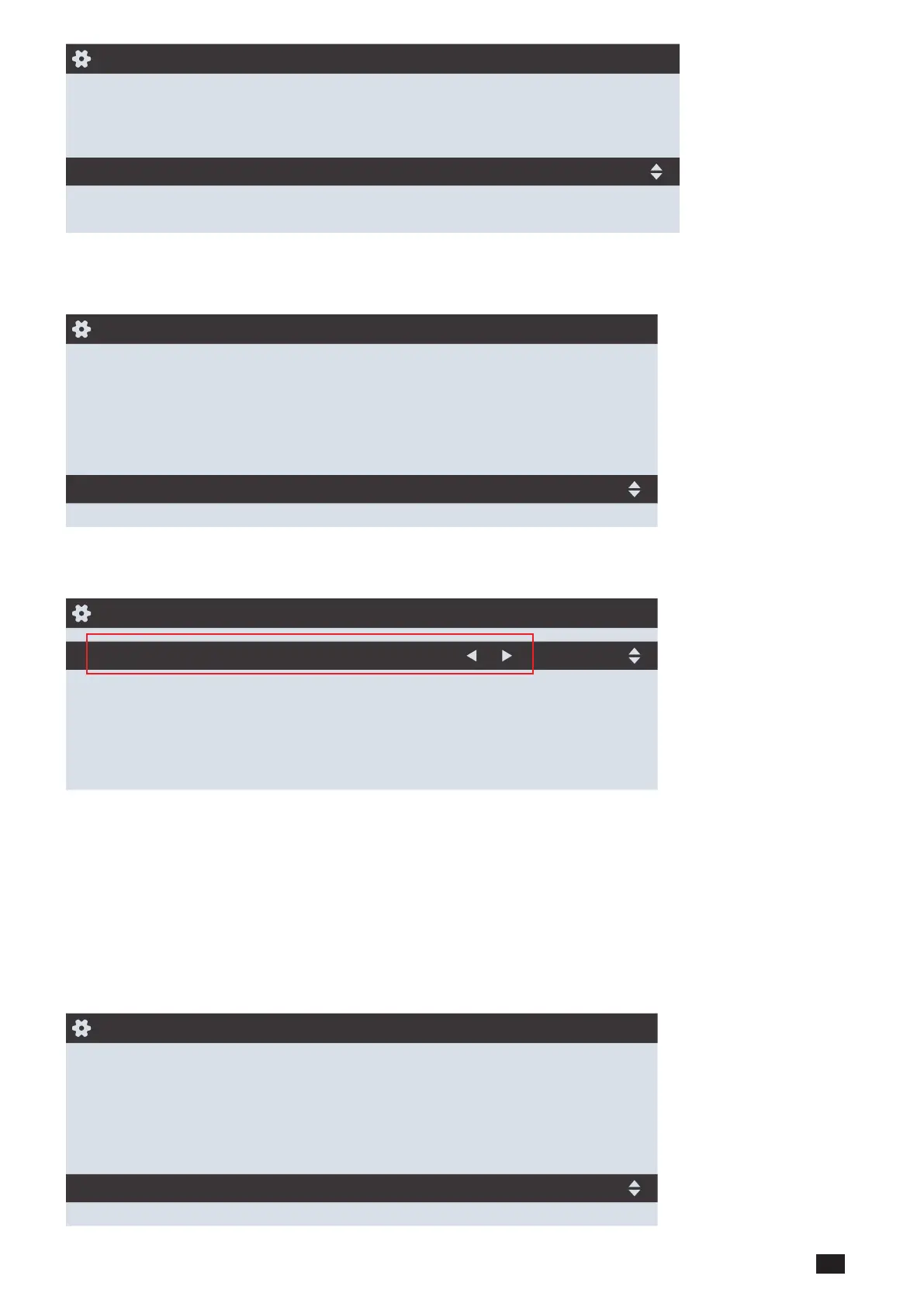
When you have nished conguring the entire load (L1) (type of load, name, nominal current, current sensors), scroll right
from the “LOAD” line to congure loads 2 and 3 (L2, L3):
LOAD
|
I-30@4 ID:FOC1D2
LOAD
L1
NAME LOAD 1
TYPE 3P+N_3CT
NOMINAL I (A) 00020
CT1 I01
…
For example, a DIRIS Digiware I-30 with 3 current inputs is best for measuring:
• 1 three-phase load (1 three-phase load L1 using the current inputs I01, I02, I03)
• 3 single-phase loads (1 L1 single-phase load with a current sensor connected to the I01 current input, 1 L2 single-
phase load with a current sensor connected to the I02 current input, 1 L3 single-phase load with a current sensor
connected to the I03 current input).
Numerous other load combinations are possible.
When all the circuits/loads are congured (maximum 3 on one DIRIS Digiware I-30), apply your settings by selecting
"SEND SETTINGS" and click "OK".
LOAD
|
I-30@4 ID:FOC1D2
…
CT3 I03
CT SETTINGS
CT4 I01
CT SETTINGS
SEND SETTINGS



 To Next Page