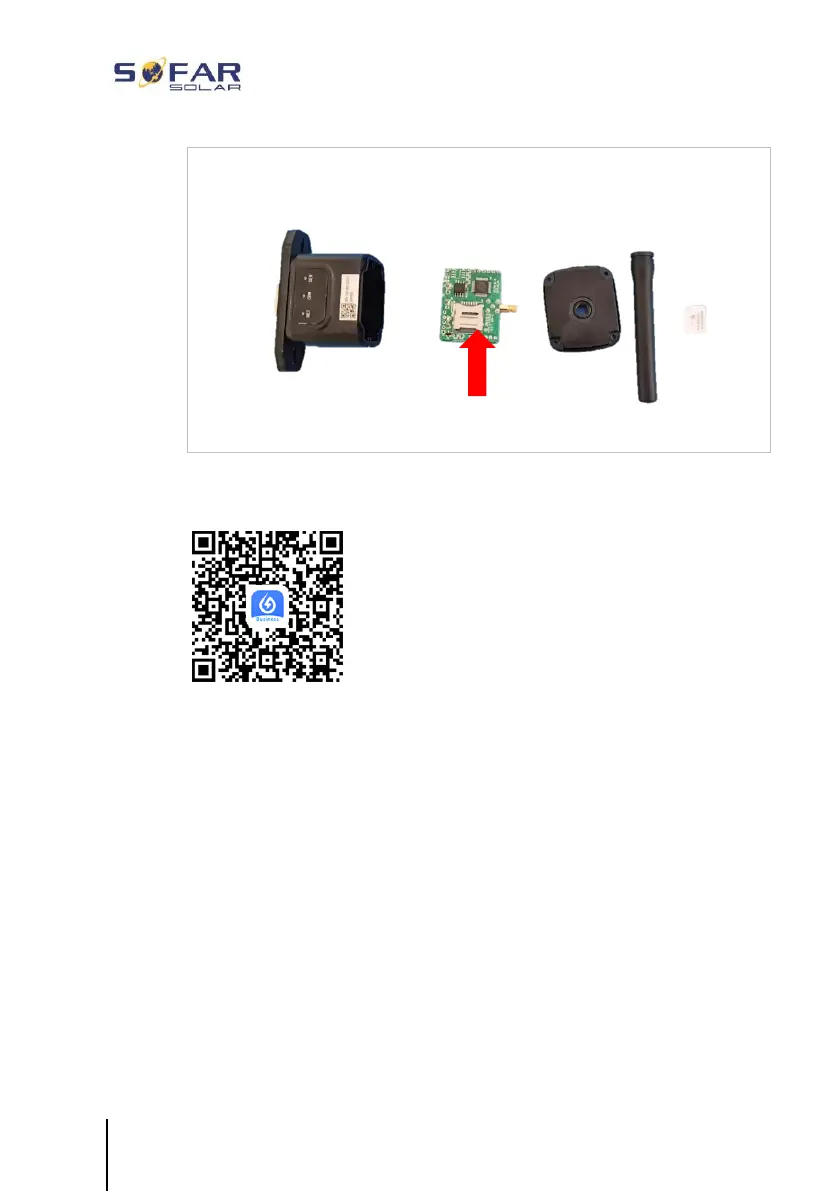
The GPRS stick must be set up via the SOLARMAN Business App:
Observe the following steps:
1. Open the app and call up the Bluetooth Tools menu item
2. Identify the WiFi stick with the serial number and select it.
3. Call up the “Custom” item
4. Enter the command AP+YZAPN= “APN name of your grid
operator”
5. (e.g. for T-Mobile: AP+YZAPN=internet.v6.telekom)
6. To check the setting, call up AP+YZAPN





 To Next Page