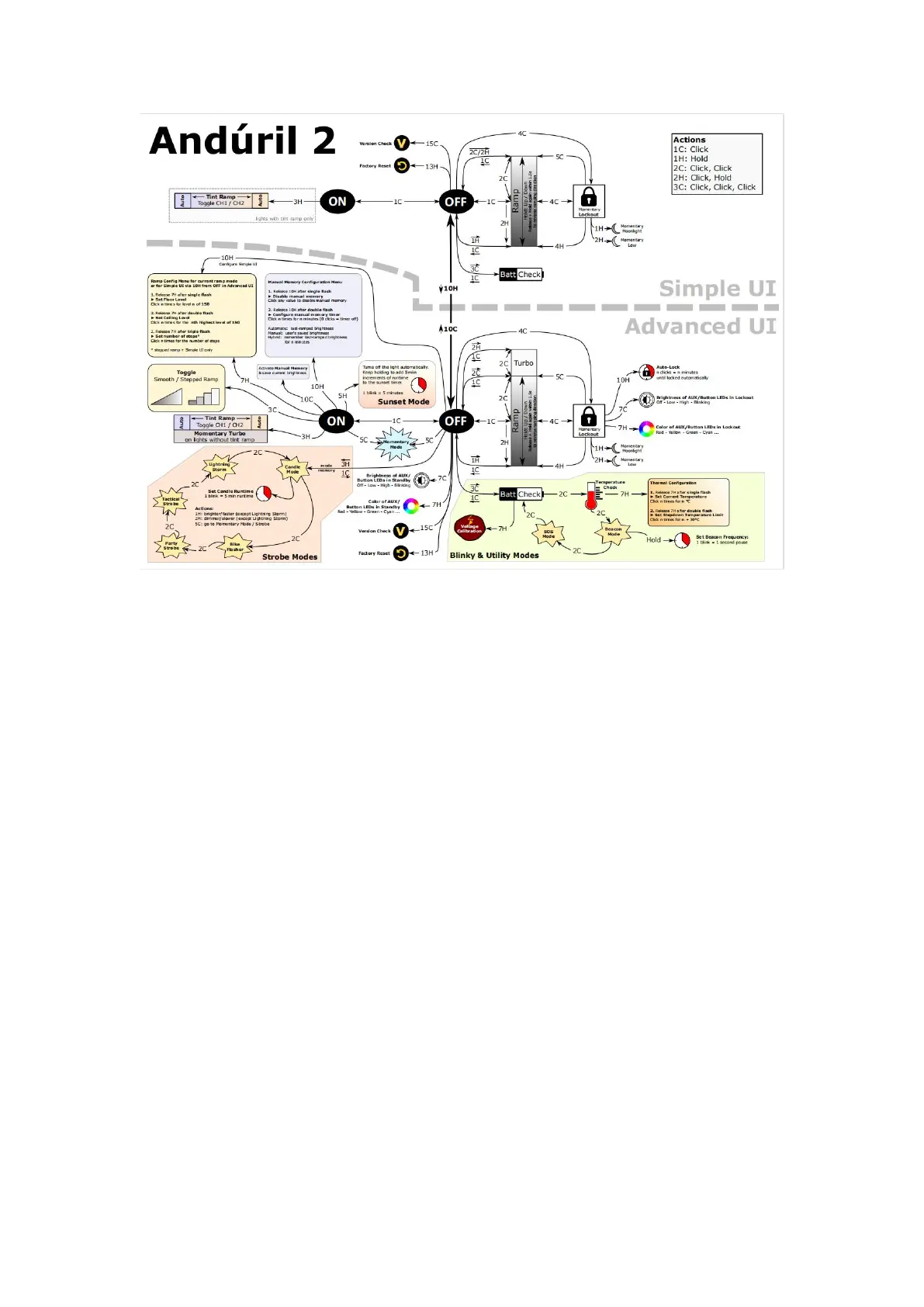
Default UI: Smooth ramping
This UI provides smooth dimming of the light output between FLOOR (lowest level) and
CEILING (highest level), with an easily accessible 100% TURBO mode.
SWITCH TO STEPPED RAMP: click 6 times while the light is on
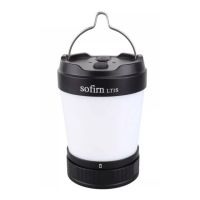
TURN THE LIGHT ON: single-click the button, the LT1S Pro turns ON using the previously
used light output level (MEM)
CHANGE CHANNEL MODES: When the light is on, triple-click the switch to change channel
modes. warm/cool white blend-auto 2ch white blend (warm → cool by ramp level)-auto 3ch blend
(red → warm → cool by ramp level)-red only-red + white blend. ( If you use 3 clicks from OFF
you engage battery check)
CHANGE LIGHT COLOR: When the light is on, quickly click the switch 4 times to switch
between white light mode and red light mode.
CHANGE BRIGHTNESS: When the light is off, press and hold the switch and it will start from
Eco, and automatically cycle through Eco, Low, Medium, High, and Turbo, or increase its
brightness steplessly.
RAMP UP&DOWN: When the light is on, hold the button to make it brighter, release button
briefly and hold again to make it dimmer.


 To Next Page