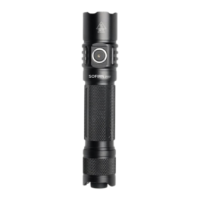
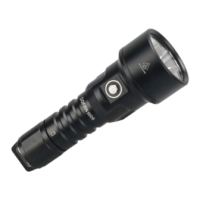
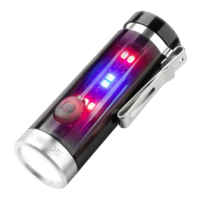
FSM Thread:
Andúril is part of a bigger framework called FSM. You can choose from different user interfaces.
http://budgetlightforum.com/node/56105
A Youtube Video with a Andúril walk through: How to use and set up ToyKeeper’s Andúril flashlight
firmware from Tech-test
Hoops Flashing Firmware thread:
http://budgetlightforum.com/node/36216
FAQ SP36
You tried to configure your lamp and now it is only working if you press the button.
When you press 4x from OFF you lock out the lamp. Press four times again to unlock. When you
want to config the lamp must be ON, and then click four times.
If I turn on using moon shortcut, it won’t memorize moon.
In short: the SP36 has only memory if you ramp to a value.
It doesn’t memorize the floor, ceiling, or turbo levels when they’re reached by a shortcut. This is
on purpose, because people didn’t like losing their memorized level after using moon or turbo. To
make it remember moon, the user must ramp to it… typically, by ramping up a little then back
down. Basically, it behaves that way because that’s what people asked for.
Troubleshooting and Maintenance:
Disassembling the sealed head can cause damage to the light and void the warranty.
Sofirn recommends using high-quality batteries. Damage by battery leakage voids warranty.
If the flashlight will not be used for an extended period, please remove the battery.
Please unscrew the head one-half turn or take out the battery to prevent accidental activation
during storage or transportation.
Please use cleaning cloth to clean the thread every 6 months, and it will be better. Do use silicone
grease to oil thread.
Long-term usage can result in O-ring wear. To maintain a proper water seal, replace the ring with
an approved spare.
Periodic cleaning of the battery contacts improves the flashlight’s performance as dirty contacts
may cause the flashlight to flicker, shine intermittently or even fail to illuminate for the following
reasons: Reason A: The battery needs replacement. Solution: please replace battery. Please
confirm the correct installation
Reason B: The threads, PCB board contact or other contacts are dirty.
Solutions: please clean the contact points with a cotton swab soaked in rubbing alcohol.



 To Next Page