OPERATION
Your Softub spa has been designed to be simple to operate and maintain.
Water Temperature
By experimenting with different settings, you will find the temperature most
comfortable for you. The thermostat will automatically turn the tub on and off as
the temperature falls below, then reaches, the set temperature to maintain the
water temperature you have selected, twenty four hours a day.
Your Softub Spa will automatically display the temperature of the water in
your spa, whenever the pump is on and has been running for 2 minutes
continuously. A “P” will be displayed when the pump is not on, to indicate
that the water near the temperature sensors must be purged to get an
accurate reading of the water temperature. To display the water
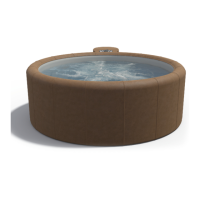
temperature when “P” is showing on the display, press the “JETS” button.
After 2 minutes, the water temperature will be displayed.
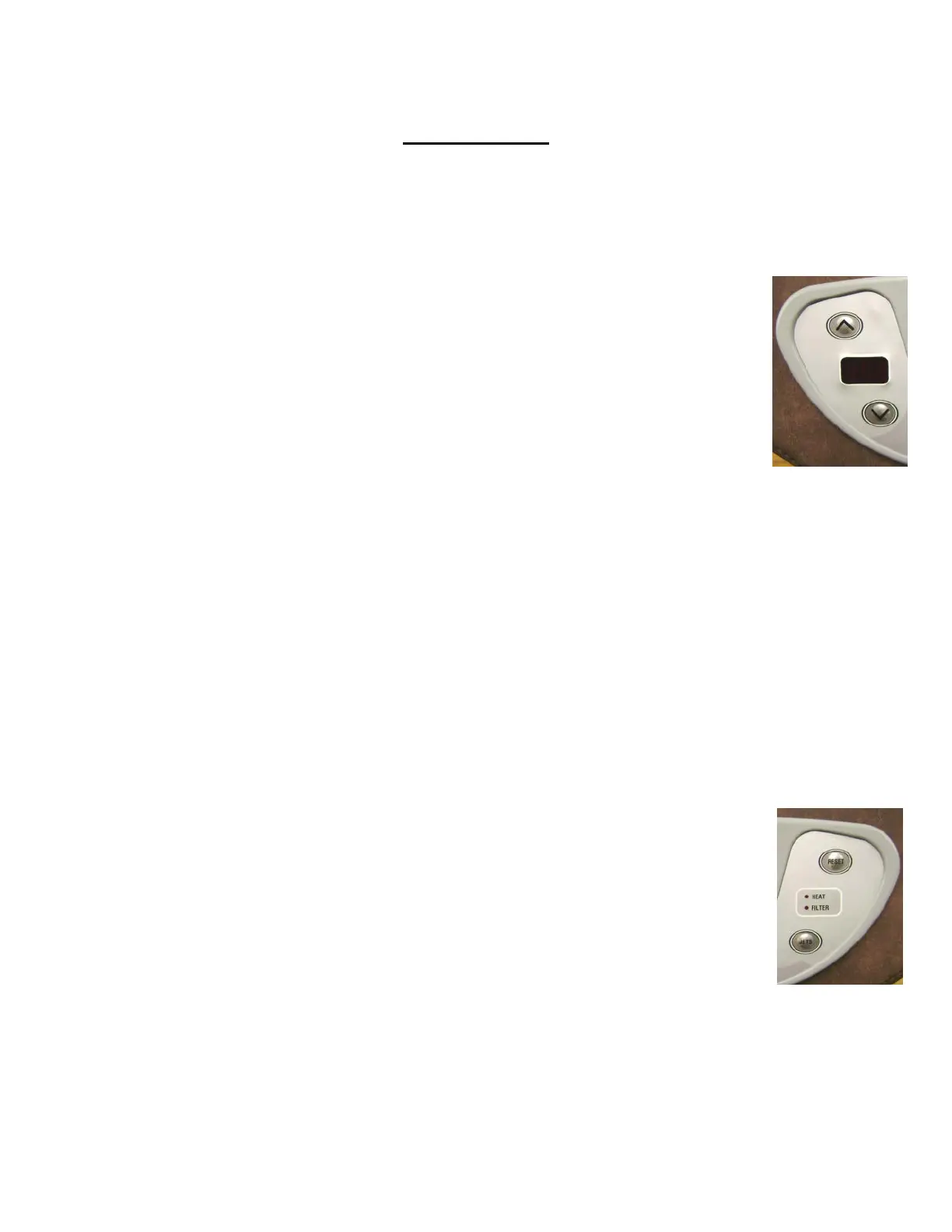
To set the temperature, press the up or down arrow once to display the current
setting. Then, use the up (^) and down (V) arrows to adjust the temperature to
the setting you desire. The current temperature setting will display for 5
seconds after the up or down buttons are pressed. After this time has elapsed,
the display will revert to displaying the water temperature.
Special Temperature Mode: The maximum normal setting for the temperature
is 40 °C (104 °F). However, there is a Special Temperature Mode that will allow
the temperature to be set to 41 °C (106 °F). To increase the temperature above
40 °C (104 °F), first set the temperature to 40 °C (104 °F). Then, press and hold
the JETS button and the ^ button for 10 seconds. The temperature on the
display panel will increase to 41 °C(106 °F). When the Special Temperature
Mode is active the display will flash “SP1” every 5 seconds to indicate that you
are in this mode.
Jets
When the water is at the set temperature, the jets will not be on. If you wish
to use the tub, the JETS button on the control panel activates a timer that
overrides the temperature you have selected. This turns the jets on for a 15
minute period. If you want the jets to stop within that 15 minute period,
press the jets button again. During use (lid off and air valve open), the water
temperature usually drops enough to allow the thermostat to keep the motor
unit running after the 15 minute period. If the motor stops after 15 minutes
the jets button may be pressed again to keep the motor unit running.
Note: When the tub is in the standby part of the cycle in Overnight or Energy
Saver Mode the JETS button can still be used to turn on the 15 minute jet cycle.
After the cycle has elapsed, the jets will continue to operate to heat the tub to
the temperature you have set it to before returning to standby. Pressing the jets
button again will turn off the jets and return the tub to standby immediately.
11


 To Next Page