F 2 0 0 0 O P E R A T I O N S & M A I N T E N A N C E
Version 1.5 (121506)
9
99
9
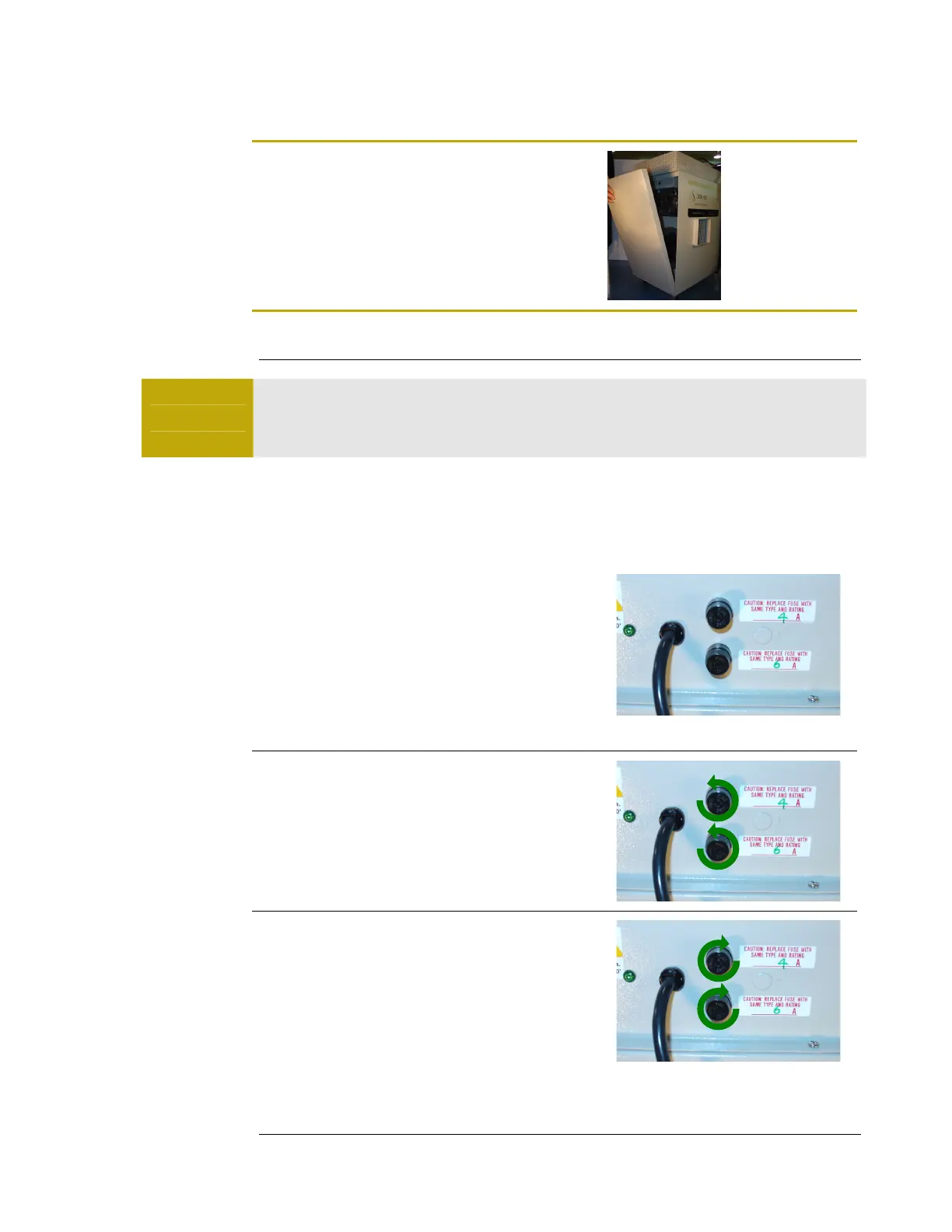
Step 8
Reinstall the front panel. Screw the two (2)
thumbscrews at the top and bottom of the panel.
F U S E S
Warning
DISCONNECT the unit from an electrical power source before
performing any maintenance on the unit.
NOTE: The fuses are Type CC sand filled slow-blow. See the parts list for the
specifications.
F U S E R E P L A C E M E N T
Step 1
The F2000 contains two fuses: a main fuse and a
fan fuse. The main/lower fuse (6A) protects the
electrical complements of the entire system and
the fan/upper fuse protects the electrical
components of the fan.
Step 2
To remove either fuse, turn the fuse counter-
clockwise while pressing in.
Step 3
To insert a new fuse, press the fuse in and turn
clockwise



 To Next Page