EV ChargerConfiguration
Configuration manual V1.00
14
© SolarEdge Technologies
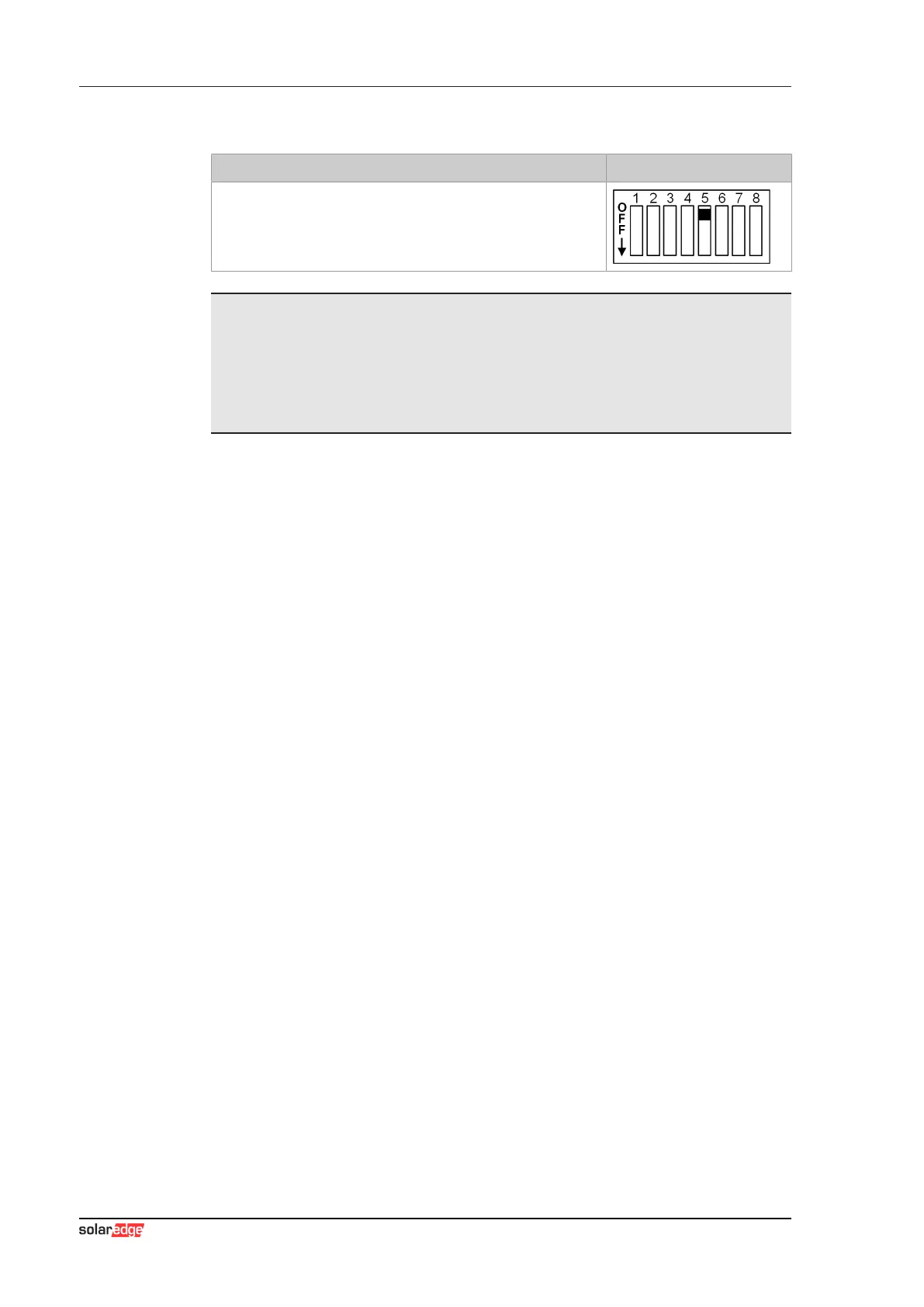
Activation of communication - DSW2.5
Function Figure
Activation of communication
This DIP switch setting must be made for each master and
client charging station to enable charging station communica-
tion.
Information
Changes to the DIP switch settings only become effective after a restart of
the charging station!
To restart, press the "Service button" until the first beep (approx. 1 second)
or switch off the charging station for a short time via the line circuit breaker.



 To Next Page