EV Charger Maintenance
Configuration manual V1.00
29
© SolarEdge Technologies
6.2.1 Software update via web interface
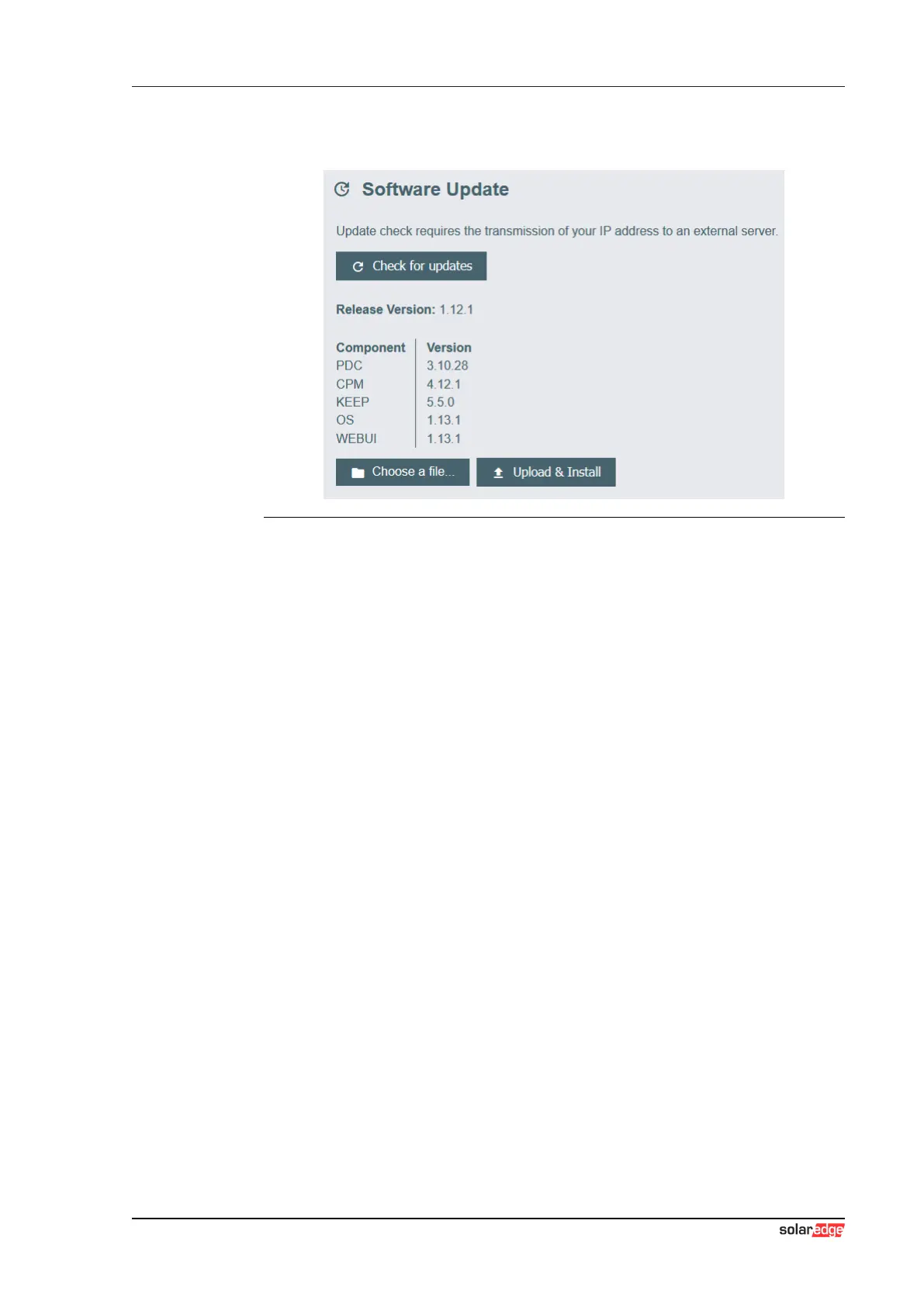
Fig.6-4: Web interface software update
To perform a software update via the web interface, proceed as follows:
1) Download the current software for the charging station (*.keb file).
2) Log into the web interface of the charging station.
3) In the main menu under "System" select the item "Software Update".
4) Upload the current software using the "Choose a file ..." button.
5) Start the update process with the "Upload & Install" button.
6.2.2 Software update via USB stick
For a software update via USB stick, this feature must be activated in the
configuration (web interface).
To perform a software update via a USB stick, proceed as follows:
1) Download the current software for the charging station (*.keb file).
2) Plug the USB stick into a PC.
3) Format the USB stick with FAT32.
4) Create a new directory on the USB stick with the name "UPD".
5) Copy the downloaded *.keb file into the "UPD" directory.
6) Connect the USB stick to the USB interface of the charging station. The
update starts automatically.
6.2.3 Software update via OCPP backend
The software update for the entire charging network can be performed via
the OCPP backend.



 To Next Page